11
Daily use
Turning on and off
You have the following options to turn your hearing
inruments on or o.
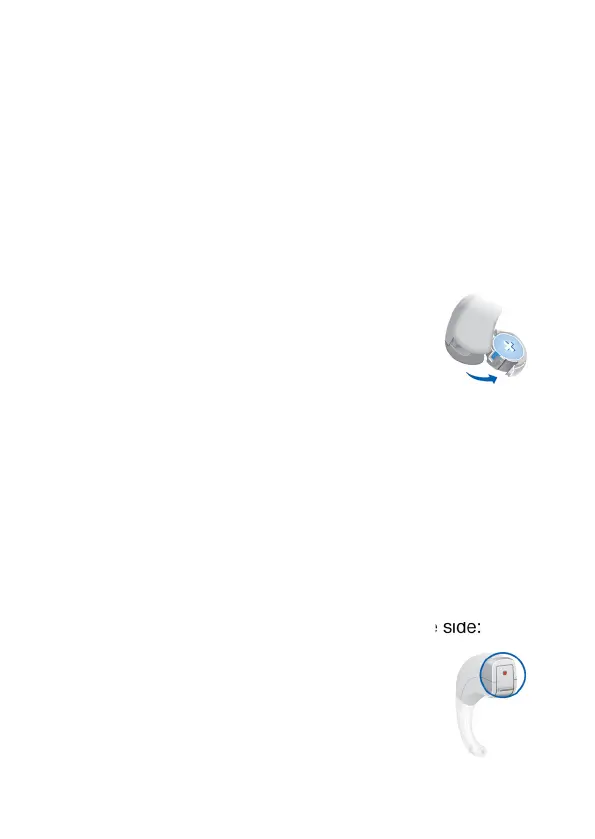
Via battery compartment:
> Turning o: Open the battery
compartment fully.
> Turning on: Close the battery compartment.
The hearing inruments turn on after a delay of
several seconds. During this time you can insert the
hearing inruments into your ears without experiencing
unpleasant feedback whiling.
Inserting and removing the hearing inruments
Your hearing inruments have been ne-tuned for your
right and left ear. Colored markers indicate the side:
- red marker = right ear
- blue marker = left ear



 To Next Page