13
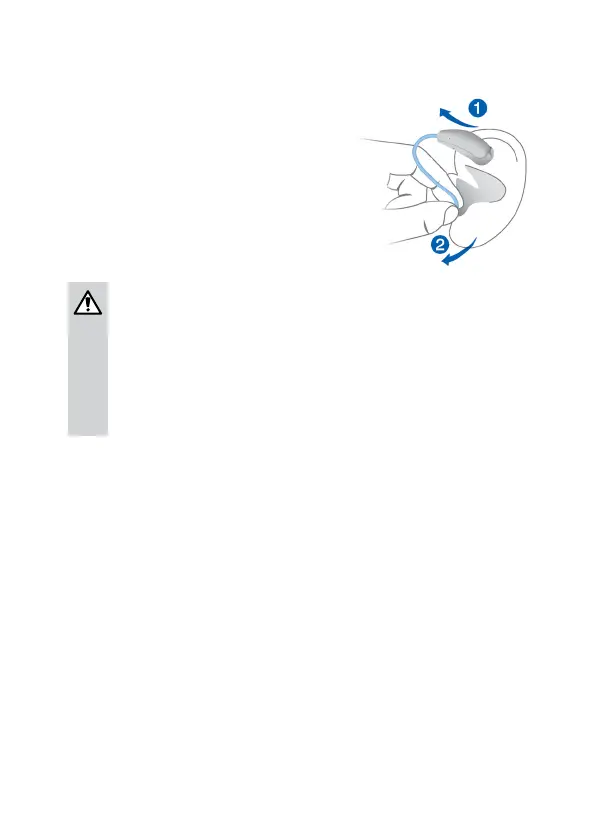
Removing a hearing inrument:
> Lift the hearing inrument
and slide it over the top of
your ear
➊
.
> Hold the tube close to
the ear piece and pull the
ear piece out carefully
➋
.
CAUTION
Risk of injury!
> In very rare cases the ear piece could remain in
your ear when removing the hearing inrument.
If this happens, have the ear piece removed by
a medical professional.
Clean and dry your hearing inruments after usage.
Read more in section "Maintenance and care".
Adjuing the volume
Your hearing inruments automatically adju the volume
to the liening situation.
> If you prefer manual volume adjument, press the
rocker switch briefly.
A signal tone indicates the volume change. Once the
maximum or minimum volume level has been reached,
you will hear a dierent signal tone. Depending on the
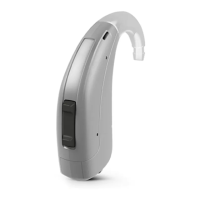
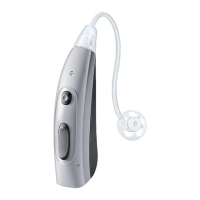
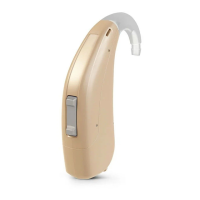
hearing inrument type, you will also hear a signal tone
for the default volume level.



 To Next Page