Getting Started
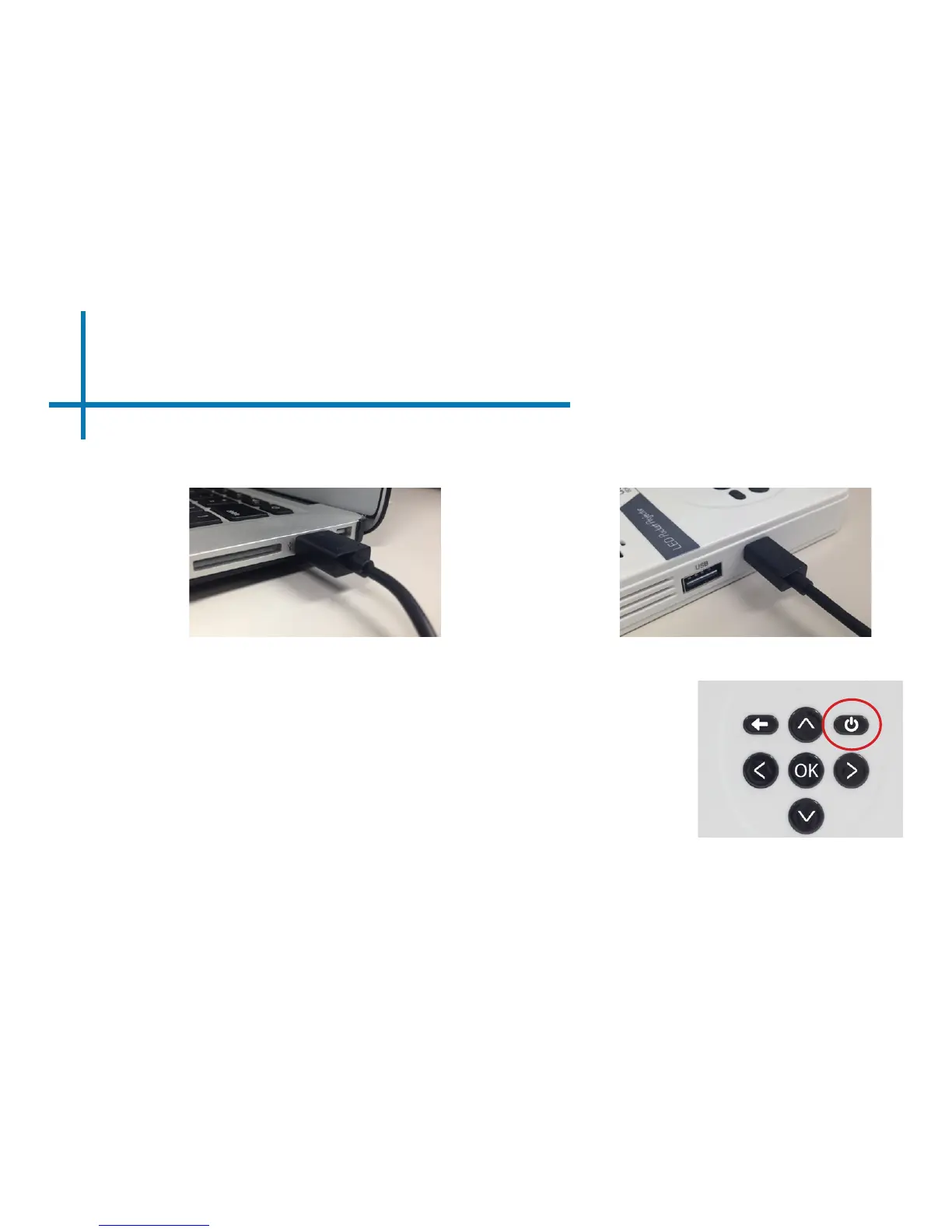
1. If you want to charge your LED Pico, simply plug in the Micro USB cable to any
computer or wall adapter.
2. Once your LED Pico is charged, hold down the power button for approximately three
seconds until the unit starts projecting.
5
Powering ON the projector
Chapter 2
Powering OFF the projector
1. Press and the power button once, then again to conrm.
2. After a few seconds, the unit should turn off fully.
Note: The LED Pico Projector battery does not charge when it is in operation.















 To Next Page