EasyManua.ls Logo

AAXA Technologies P3 Pico - User Manual

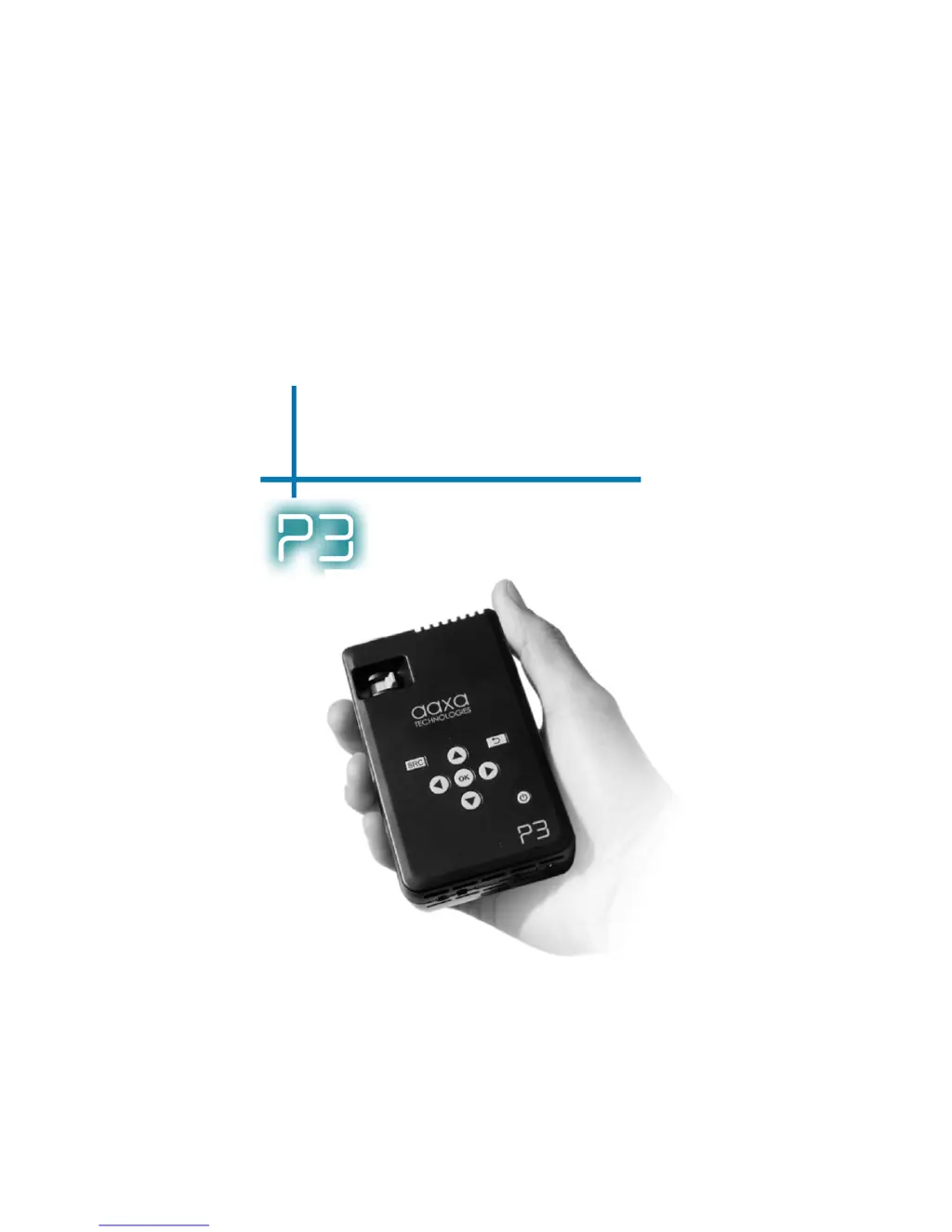
AAXA Technologies P3 Pico
28 pages
Print Icon
To Next Page IconTo Next Page
Loading...
aaxa
TECHNOLOGIES
User Guide
P3 Pico Projector

Other manuals for AAXA Technologies P3 Pico

Questions and Answers

Summary

Safety Warnings and Precautions

General Safety Precautions

Avoid direct sunlight, heat sources, flammable materials, steam, oil, water, and blocked ventilation to prevent hazards.

Battery and Earphone Use Cautions

Handle battery carefully, avoid extreme temperatures, water, and piercing. Use earphones at safe volumes to protect hearing.

P3 at a Glance

Main Unit Overview

Identifies key buttons and ports on the front, back, and sides of the P3 projector.

Remote and Keypad Functions

Details the functions of the projector's remote control and keypad for navigation and operation.

Included Accessories

Lists and illustrates the accessories that come with the P3 Pico Projector.

Getting Started

Powering On and Off

Instructions for powering the P3 projector on and off, including charging indicators.

Focus and Throw Distance

Guidance on adjusting focus and understanding throw distance for optimal image projection.

External Inputs and Outputs

Details the various input ports available on the P3 projector for connecting external devices.

Connecting to Computer

Guide to connecting computers via VGA or HDMI, including setup, settings, and troubleshooting.

Connecting to Composite Video

Step-by-step instructions for connecting devices using composite A/V cables.

Connecting Speakers;Headphones

Guide on connecting audio output devices like speakers or headphones via the 3.5mm jack.

USB OTG (On-the-Go) Function

Instructions for inserting and accessing USB drives using the projector's USB OTG capability.

Menu Screens

Main Menu Navigation

Overview of the projector's main menu and how to navigate through its options.

File Menu System

Describes how to navigate folders and files on a USB drive within the projector's interface.

Video Player Menu

Instructions for playing videos, including controls for play/pause, rewind, fast-forward, and volume.

Photo Menu

Guide to viewing pictures individually or in a slideshow, and rotating images.

Music Player Menu

Instructions for playing music, including controls for play/pause, seek, and volume adjustments.

Technical Details

Troubleshooting Common Issues

Provides solutions for common problems like blurred images, no sync, and projector not turning on.

Product Specifications

Lists key technical specifications of the P3 Pico Projector, including resolution, brightness, and supported file formats.

AAXA Technologies P3 Pico Specifications

General IconGeneral
Resolution800 x 600 (SVGA)
Light SourceLED
Display TechnologyDLP
Lamp Life20, 000 hours
Aspect Ratio4:3
Built-in SpeakerYes
Weight0.5 lbs
ConnectivityUSB, MicroSD

Related product manuals