USB OTG(On-the-Go)
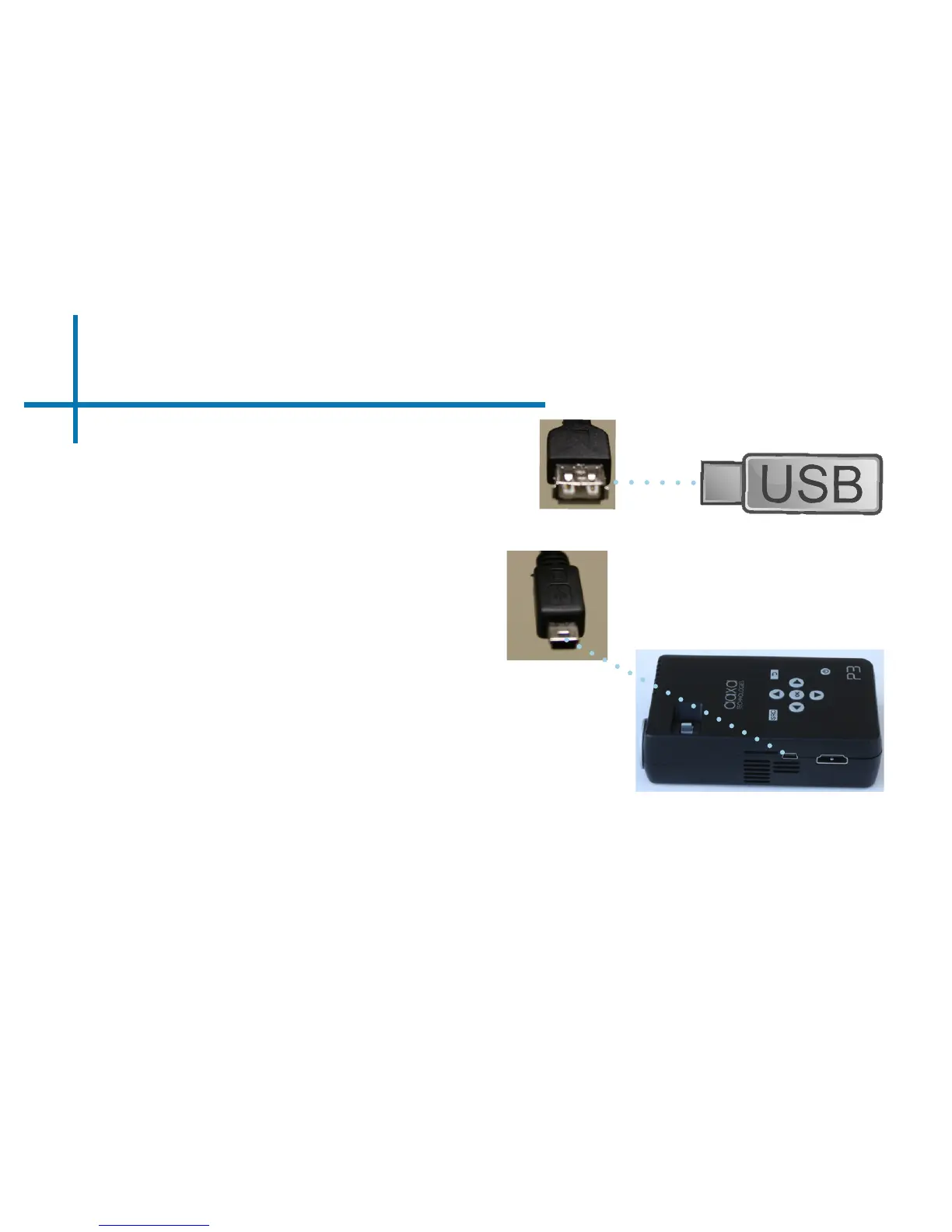
How to insert your USB Drive
• Slide your USB Drive into USB adapter.
*Review the Specication
section of this manual to read
about the supported le
formats.
How to access your USB Drive
• Once your USB Drive has been
inserted, you can navigate through the
main menu to select what you want to
view under each sub menu.(Videos,
Photo, Music)
14
• Gently slide the drive until it cannot go in any further.
• Gently slide the mini-USB adapter into
the P3 until it cannot go in any further.















 To Next Page