Step 3:
Turn on your multimedia device.
Step 5:
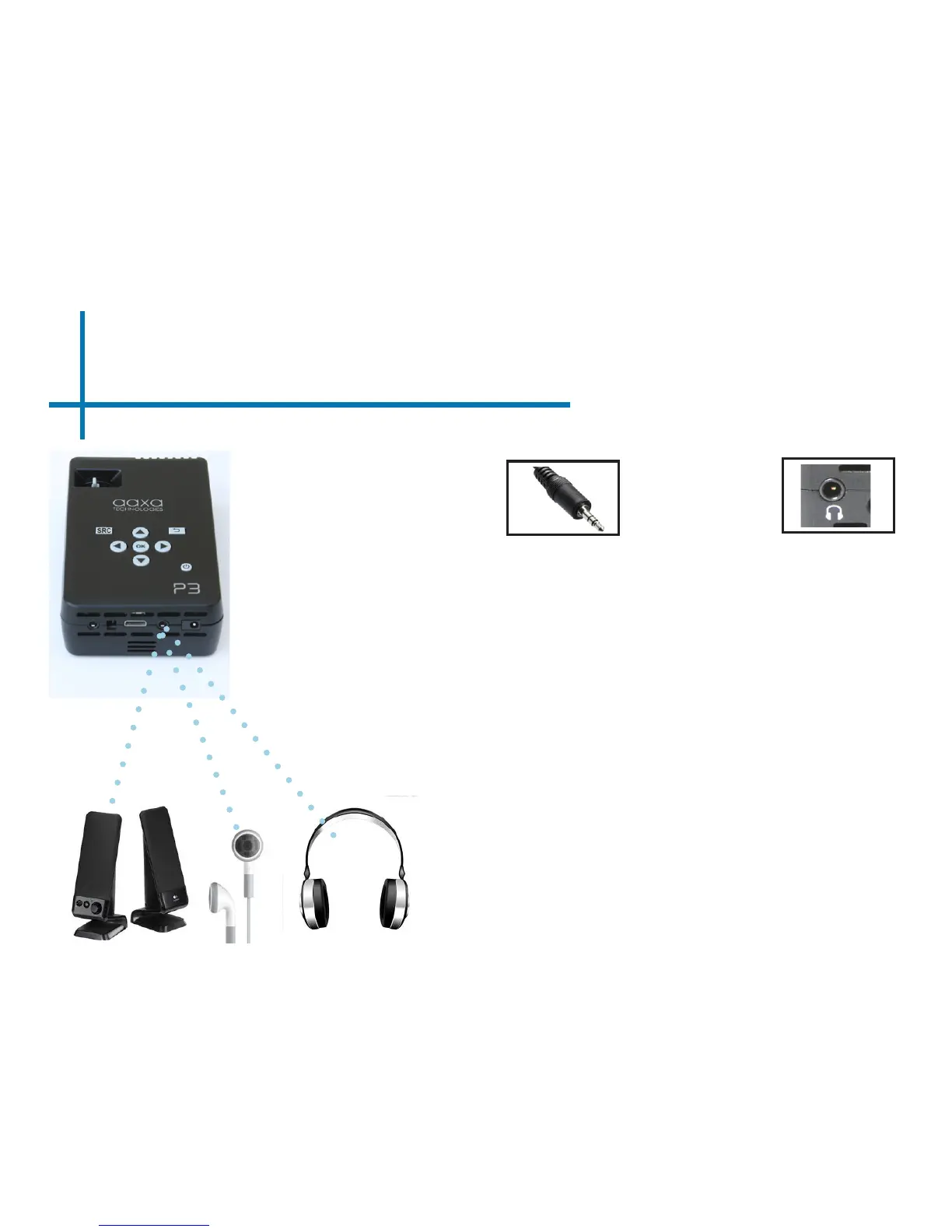
Connecting Speakers/Headphones
Connect your speaker
or headphones
13
3.5 mm cord
to your P3’s
Speaker Adapter
Step 1:
Step 2:
Caution for Earphone (Earplug) Use
• Prolonged use at high volume may impair
your hearing.
Ensure the power and volume on your
speaker or headphones is turned on
Step 3:
Place headphones/earphones in/over ears
Step 4:















 To Next Page