Video Player Menu
18
Playing Videos
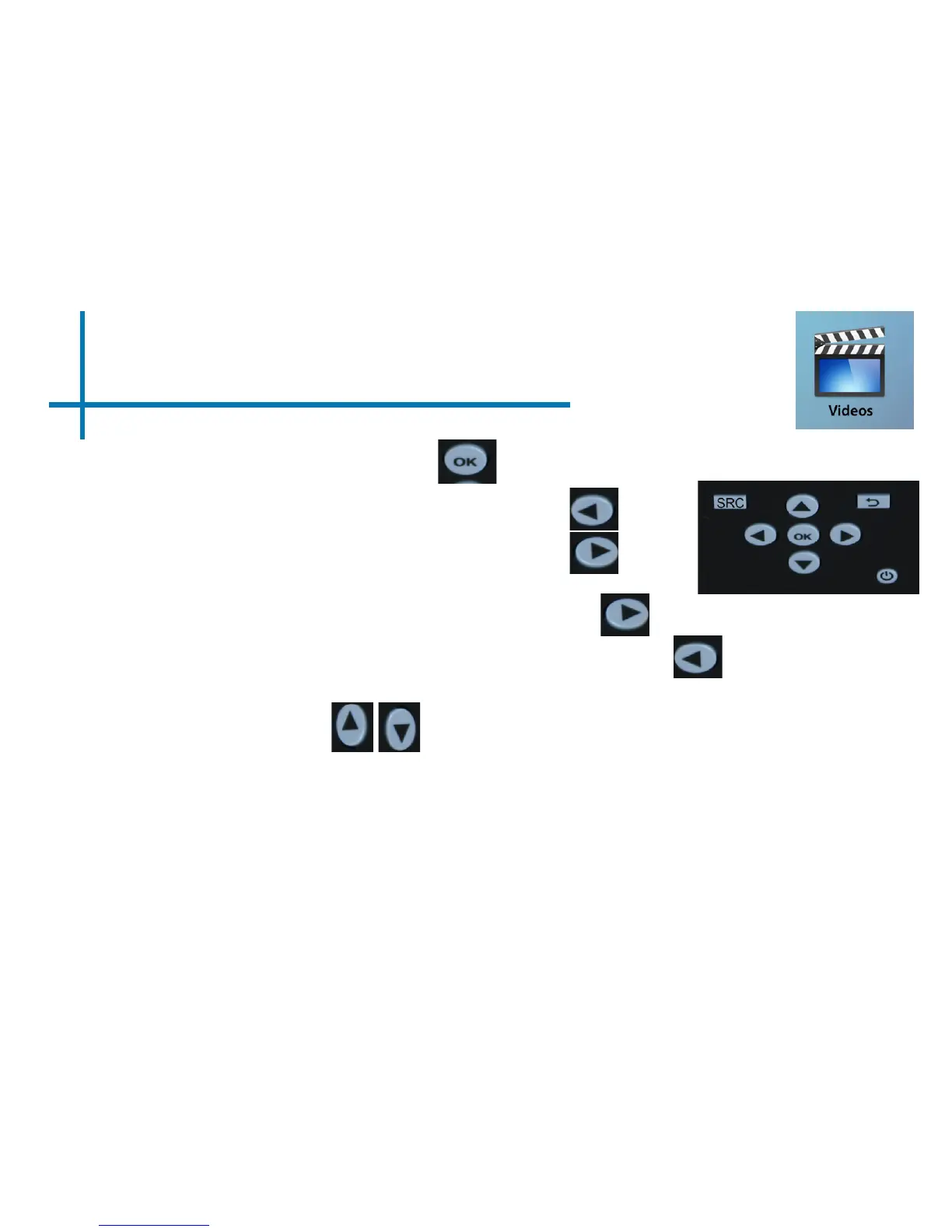
-To play/pause a video, press the ok button in the middle of the keypad or
remote control
-To rewind, press and hold the left arrow button
-To fast-forward, press and hold the right arrow
button
-To jump forward to the next video, press the right
arrow button
-To jump back to a prior video, press the left arrow button
-To adjust the volume, press the up arrow button. To decrease the volume press
the down arrow button.
Note: If the video is large, please allow the projector a moment to process the
le. If after a few minutes the projector does not play a video, it means the le is
not compatible.
*Review Specication section of this manual for supported video formats.















 To Next Page