File Menu System
17
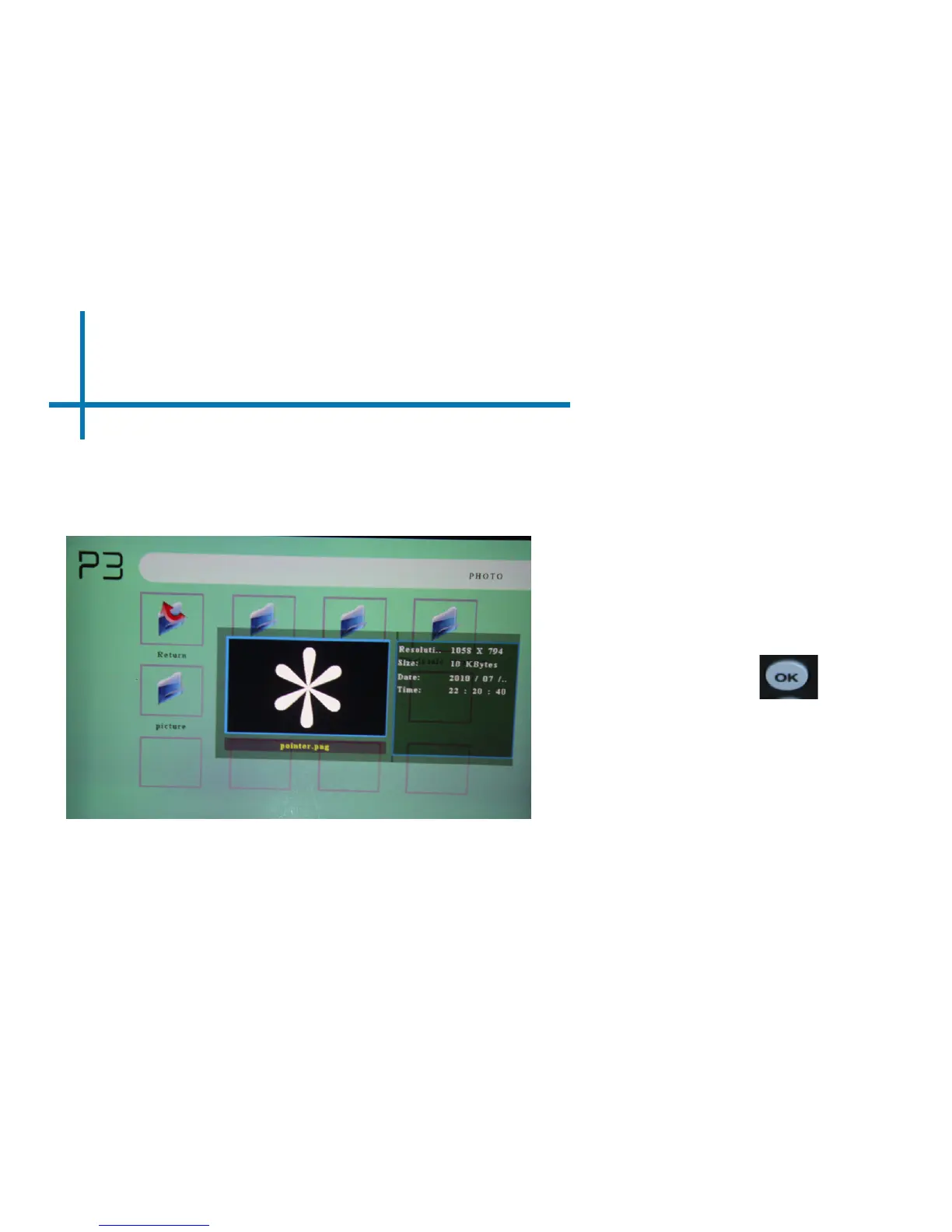
Navigating around the P3 is similar
to any computer. The les will
show up in a folder system for you
to browse. Find the le you wish
to view and press the button
located on the P3.
Previewing Files:
Highlighting les on the P3 le viewing system will bring up a preview
menu. You can preview videos, music and photo’s this way.















 To Next Page