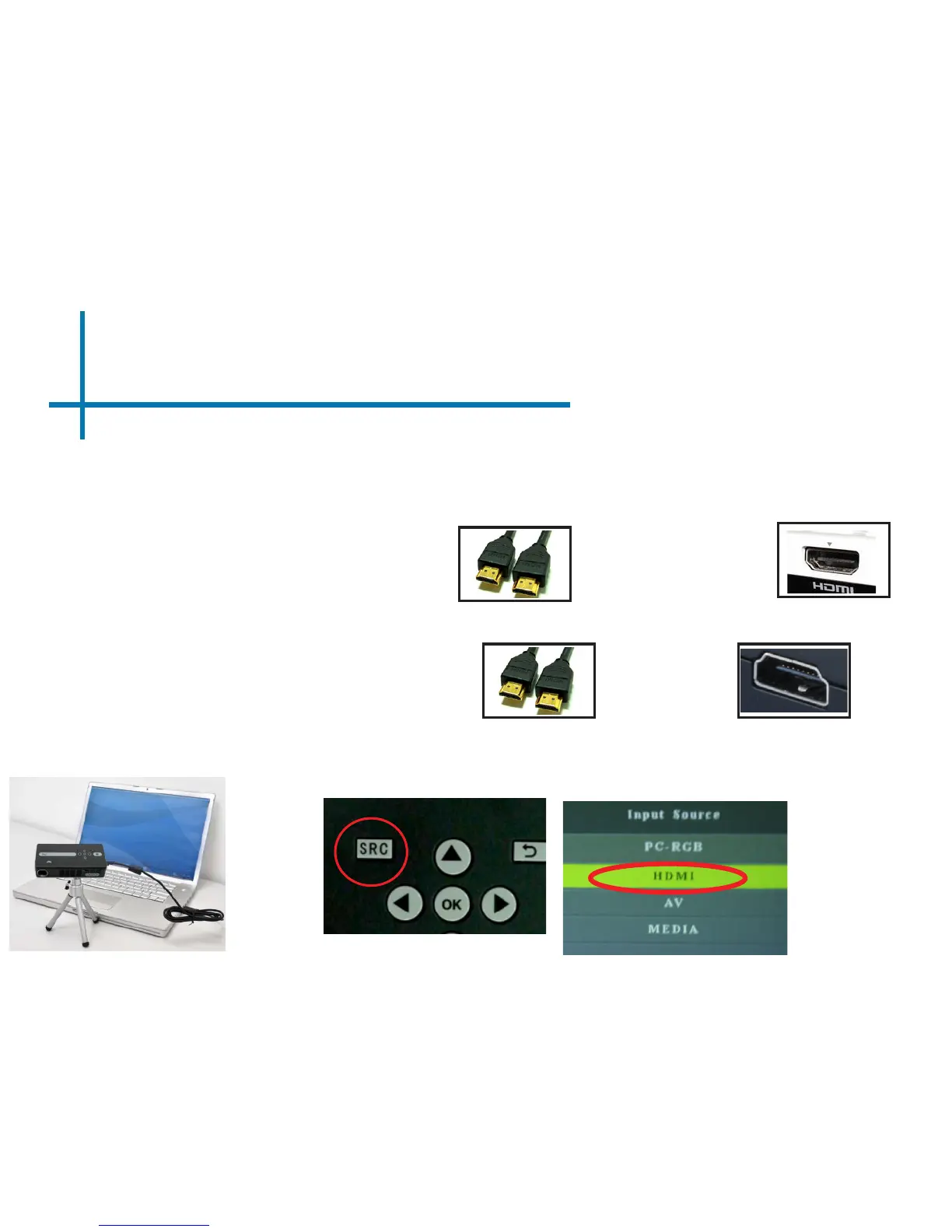
Connecting to a Computer via HDMI
Connect the one end of the
9
HDMICord
to your computer’s
HDMI Adapter
Connect the small end of the
HDMI Cord
to your P3’s
HDMI Adapter
Step 1:
Step 2:
Step 3:
There are two ways to connect a computer to your P3. You can connect with the VGA
adapter or the HDMI adapter. Whichever connection you computer has will work.
Connecting via HDMI Connection
Press the SRC button and select HDMI















 To Next Page