Pause
Rewind
FastFoward
Previous File
Next le
Stop
Repeat
Mute
Listening to music
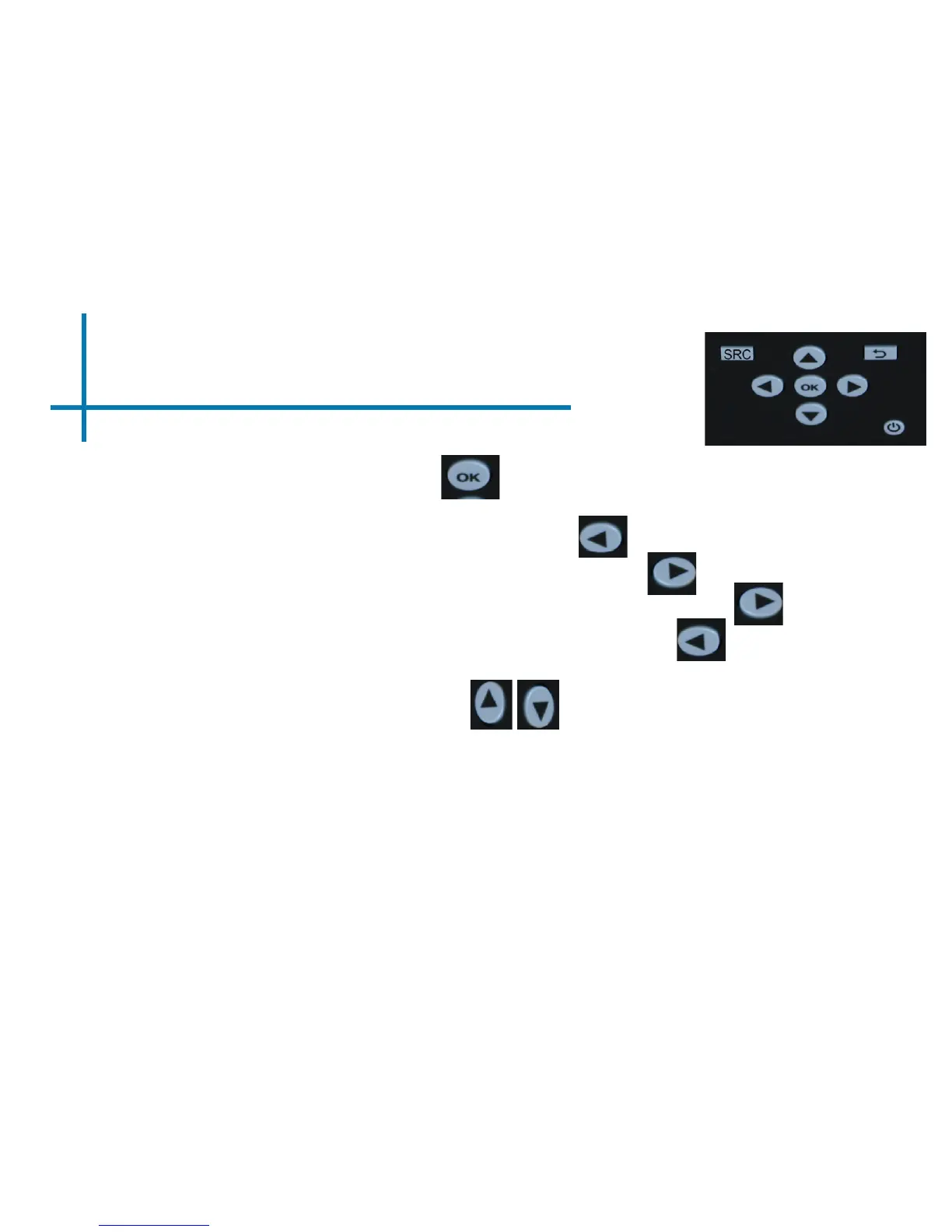
-To play/pause a song, press the ok button in the middle of the keypad or
remote control
-To rewind, press and hold the left arrow button
-To fast-forward, press and hold the right arrow button
-To jump forward to the next video, press the right arrow button
-To jump back to a prior video, press the left arrow button
-To adjust the volume, press the vol+ ( on the remote) to increase and vol- ( on
the remote) to decrease the volume.
*Review Specication section of this manual for supported video formats.
21
Music Player Menu















 To Next Page