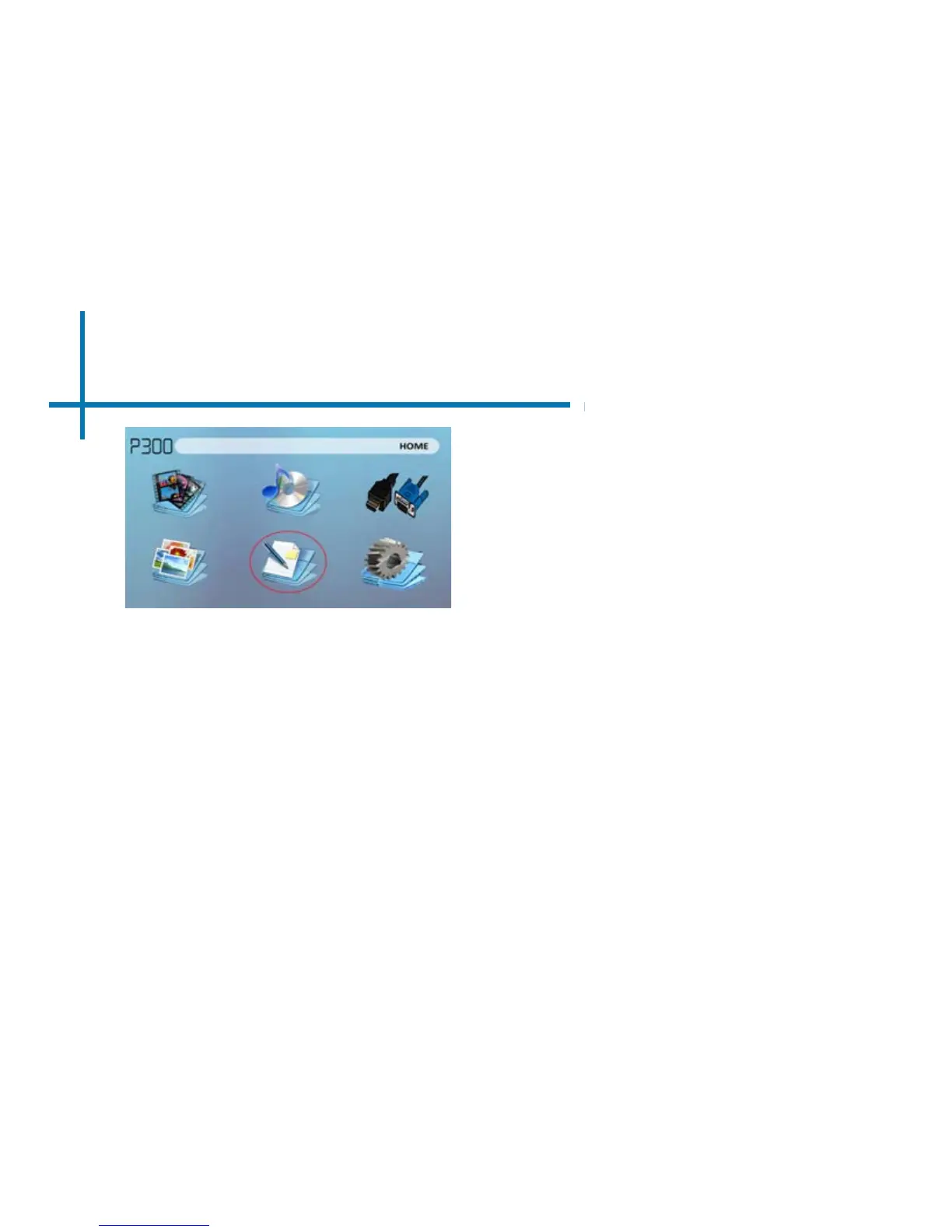
EBook Viewer Menu
31
Opening a le:
• Choose “Open File” option
• Select device le is stored on
• Select le from list
Viewing text les
The P300 Pico Projector allows you to view text les. Select the le you want to view in
the le menu for the particular storage device on which the le is stored. You can press
the left and right arrow buttons on the directional pad or remote to ip through the pages
you have in the present folder.
*Review Specication section of this manual for supported ebook formats.
The P300 will show all folders and les you have on your USB or SD Drives.
Use the directional buttons to navigate to different folders or les.















 To Next Page