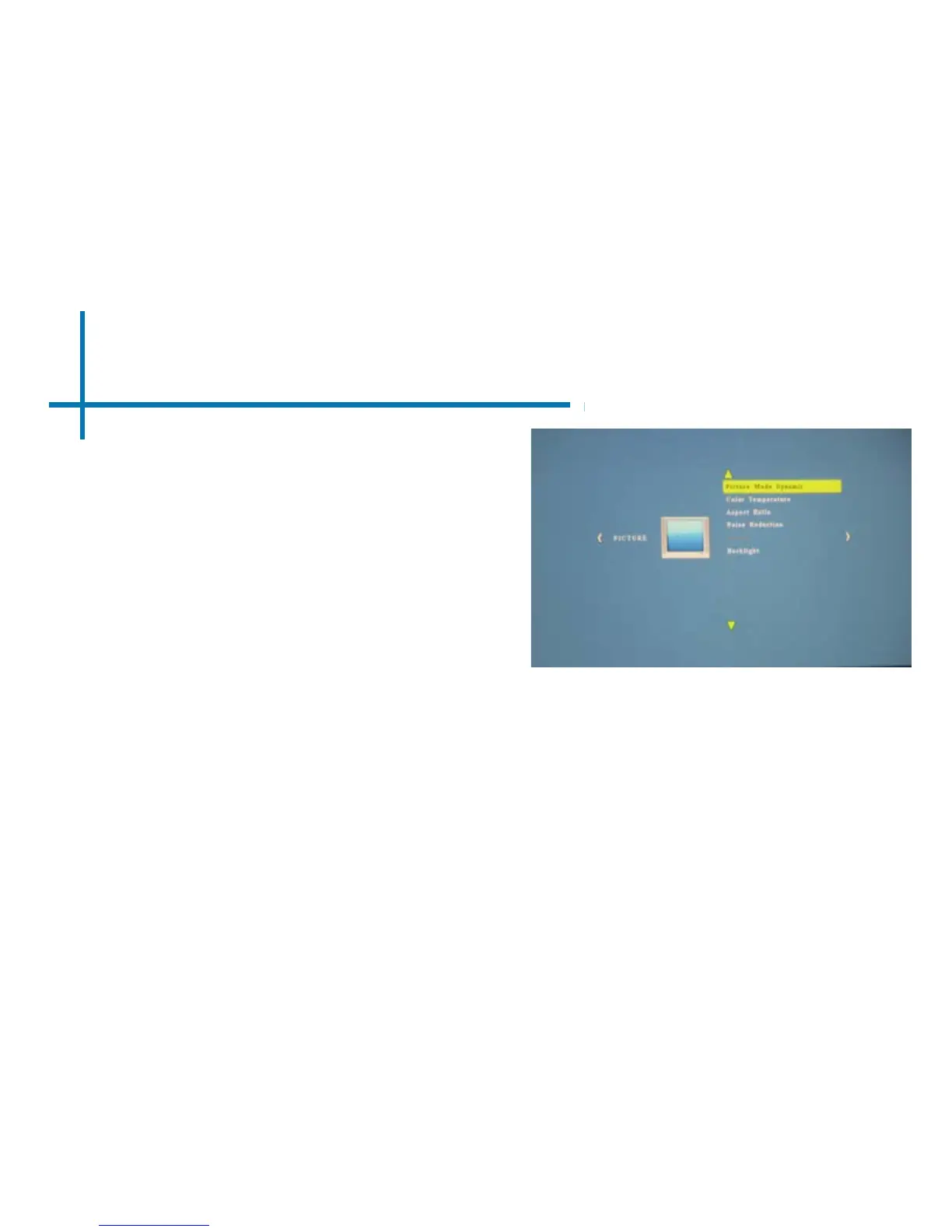
Picture Settings
33
Picture Mode
• Changes the picture mode to
different settings depending on
your choosing.
Color Temperature
• Adjusts the color temperature
from hot to cool (red to blue).
Aspect Ratio
• Changes the aspect ratio of the
picture - 4:3, 16:9*
Noise Reduction
• Option to reduce the noise
(grain) of the picture
Backlight
• Adjusts the backlight
*Caution: Some pictures may be cut off
when aspect ratio is set incorrectly















 To Next Page