Connecting to a Computer Cont.
Step 4:
Enabling VGA or HDMI output on your Computer – to enable VGA or HDMI output on your com-
puter most computers require “turning on” the video output feature. Each computer is different.
Please consult your owner’s manual for instructions to enable VGA or HDMI output. Below are
standard instructions for a Windows 7 computer – not all systems are the same.
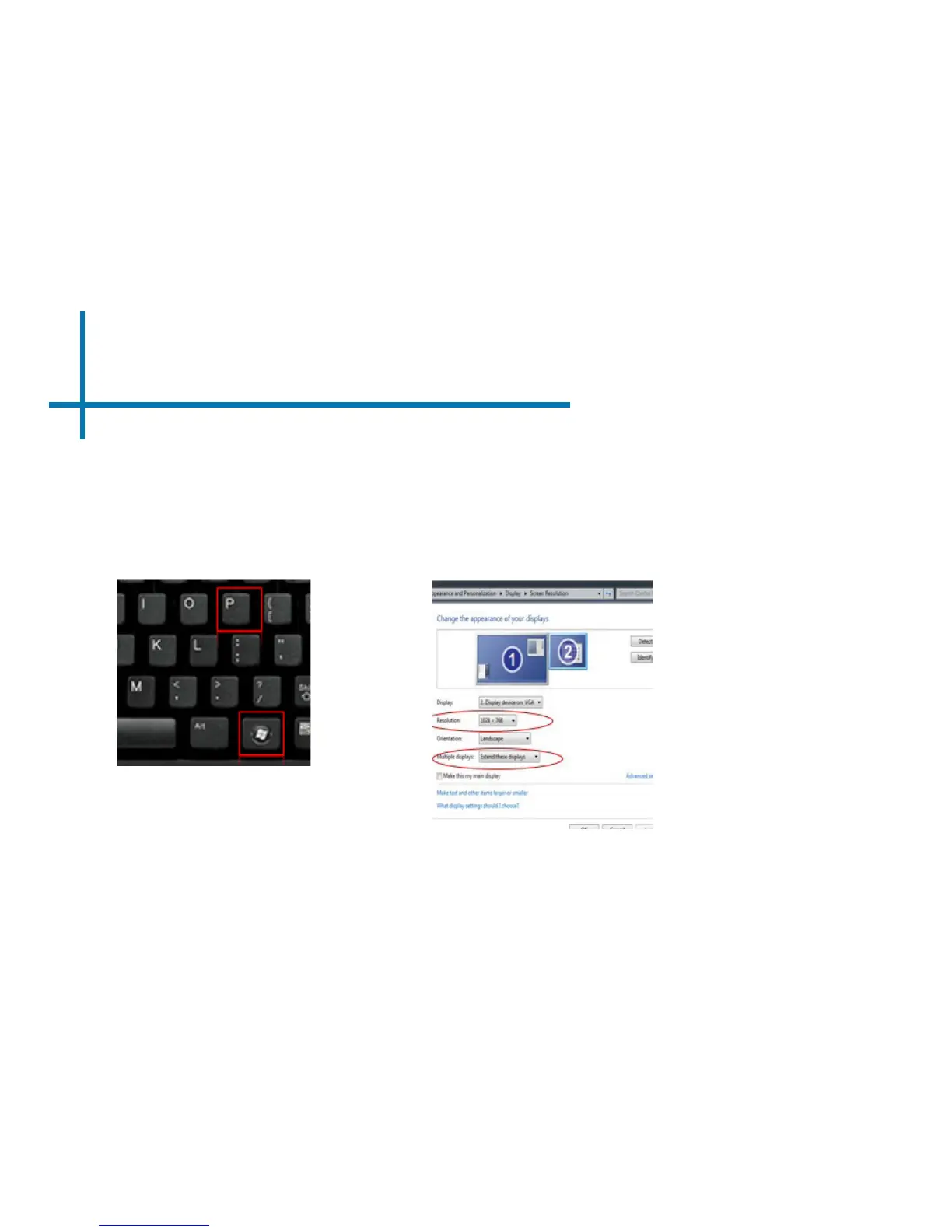
Press Windows+P to toggle through
display settings. Select either “Dupli-
cate” or “Extend” depending on your
viewing option.
*NOTE: different operating systems
may differ
Step 5:
1. Right click on computer
desktop and select “Screen
Resolution”.
2. Display Properties window
will pop up.
3. If a secondary monitor is
grayed out, click on it and se-
lect “Extend these displays”
in the multiple displays drop
down.
4. If the image is blurry or the
text is not legible, adjust
the screen resolution. We
recommend 1280x800.
Step 6:
9














 To Next Page