24
Photo Menu
Viewing Pictures
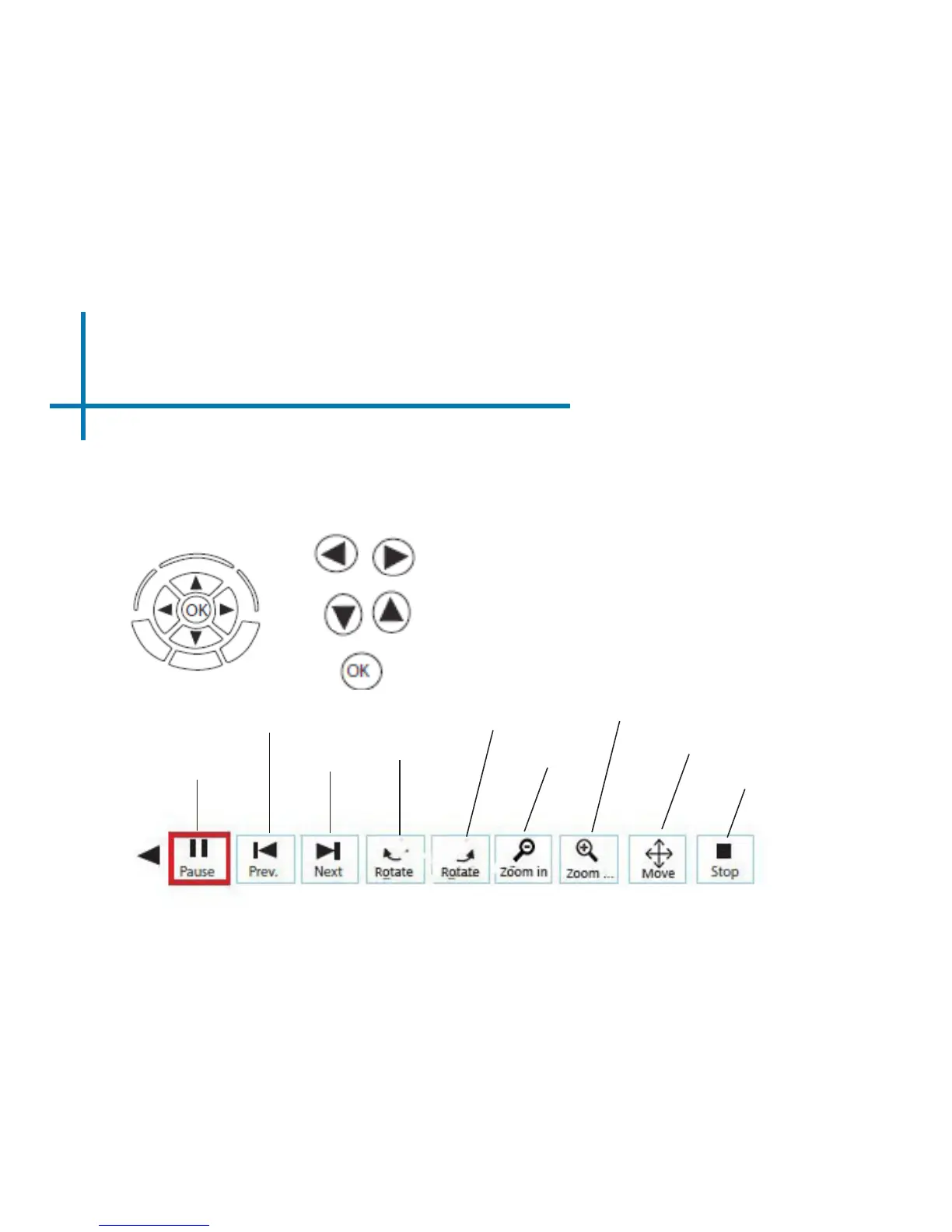
To use the photo controls, use the directional keys to highlight the option you wish
to choose. By pressing the “OK” button, the user can navigate through the photo
menu as shown below.
Start/
Pause
Slideshow
Next Photo
Zoom in
Move
Move slide show to previous or next slide
Conrm selection
Previous
Photo
Rotate counter-
clockwise
Rotate
Clock-
wise
Zoom out
Stop
Adjusts the keystone
Note: By moving to the right of the move buon using the direconal keys on the
keypad will allow the user to see the move buon.














 To Next Page