Portable Media Player
19
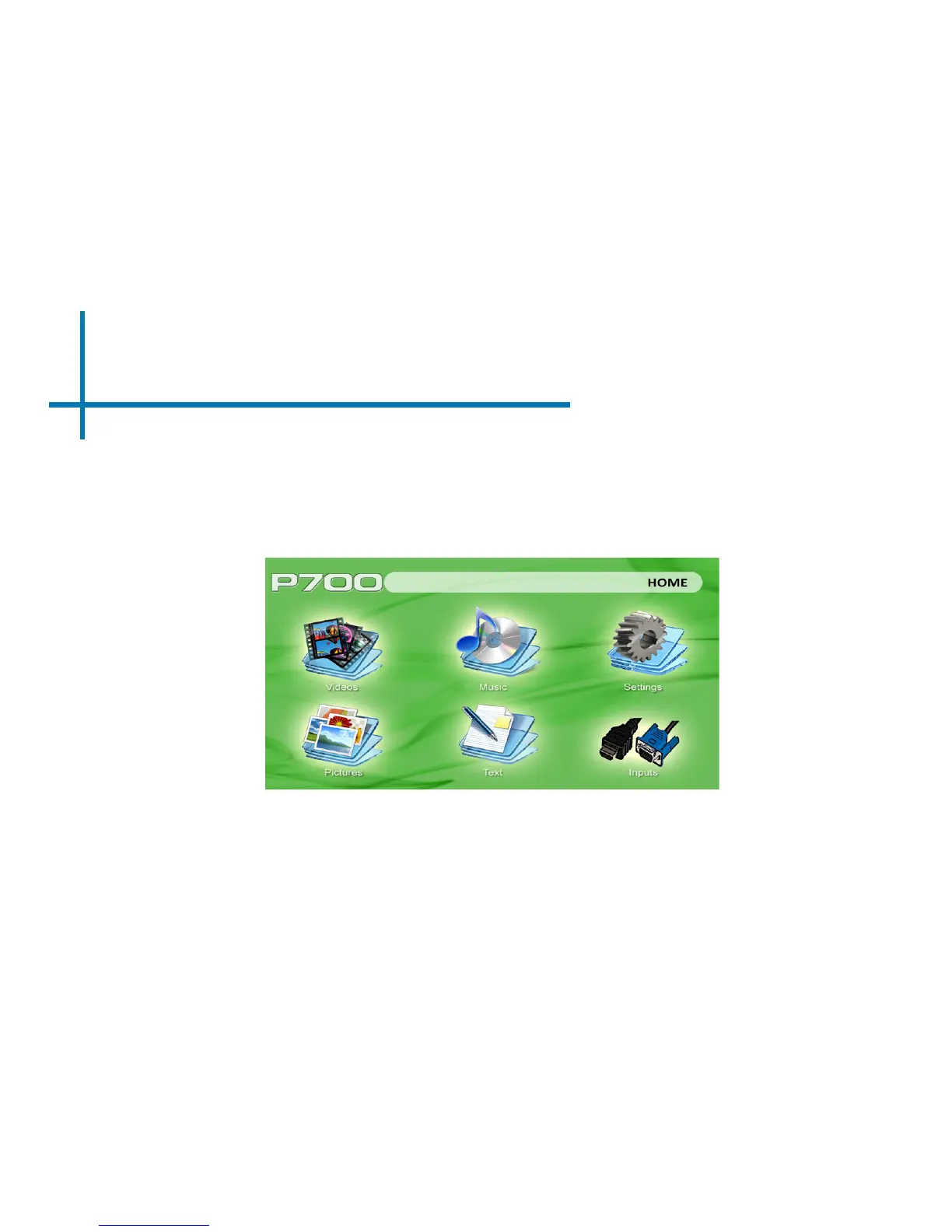
Main Menu
Chapter 3
The P700 features a built in PMP (Portable Media Player) function.
This function allows the projector to play videos, pictures, music les, and text. To access
the main menu simply turn on the projector.
• Scroll left or right by pressing the left and right directional buttons.
• To select a submenu, highlight the desired submenu and press the OK button
located in the middle of the keypad or remote.
• To go back to the previous page while in a submenu, press the back on the far
right just underneath the directional keypad.














 To Next Page