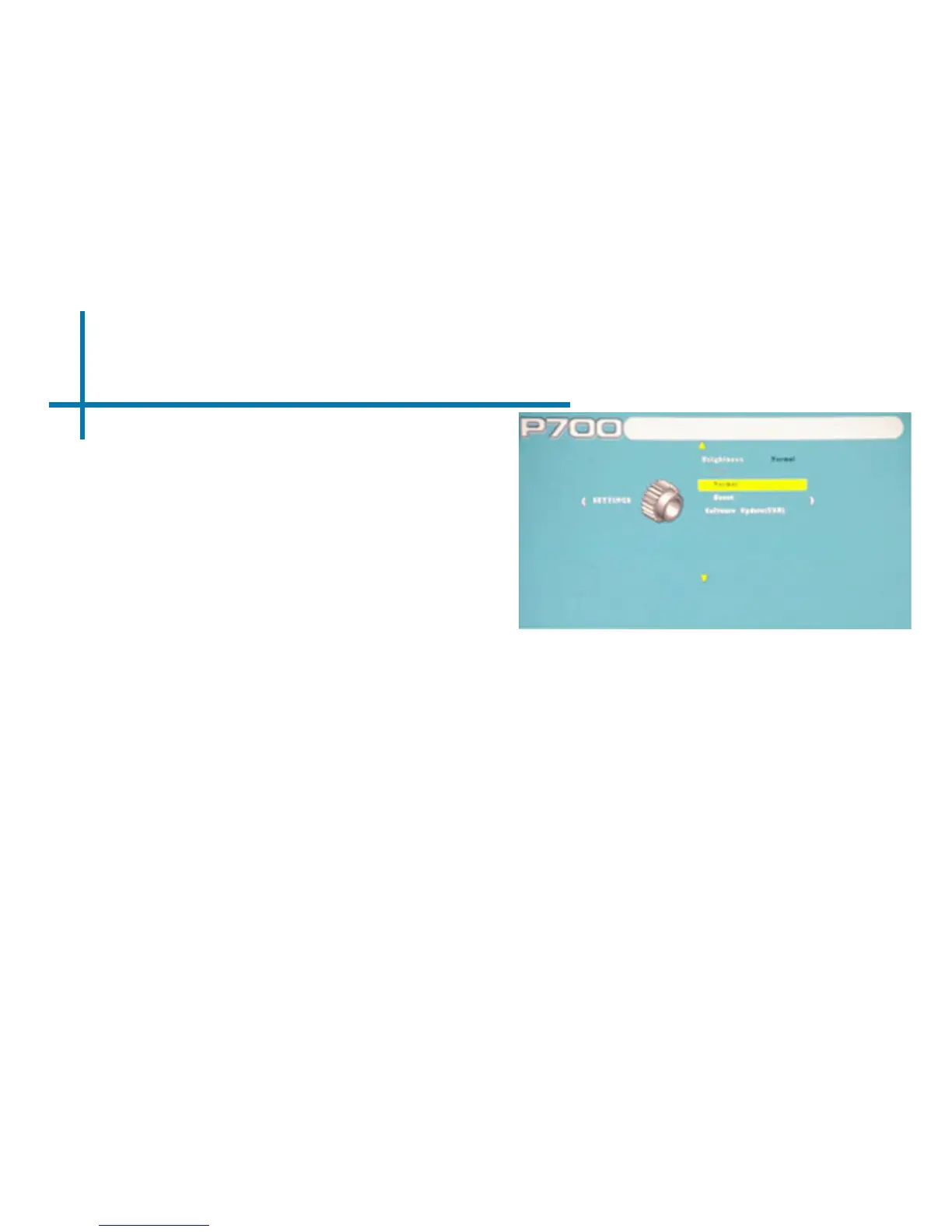
Settings Menu
31
Brightness
• The brightness function allows the
user to select between 3 differ-
ent brightness settings. (2 when
plugged in)
1. Eco: Automatically enabled when not
plugged in. LED life is at its maxi-
mum and fan noise is at its minimum.
2. Normal: Good mix of color quality
and brightness. The LED life is at the
standard usage.
3. Boost: The projected image will
become brighter and the fan will spin
faster. Excessive use on boost will
decrease light source lifespan.














 To Next Page