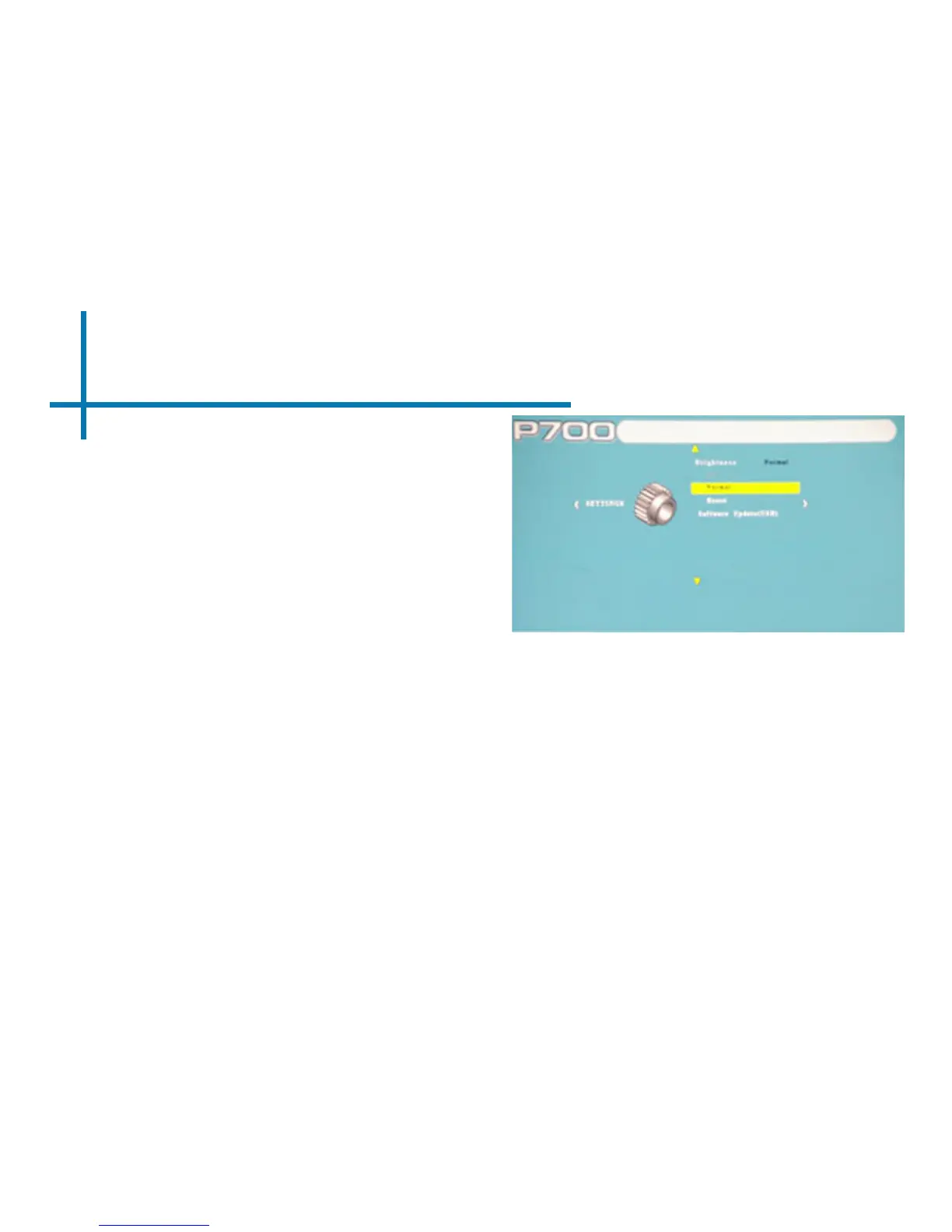
Settings Menu Cont.
32
Software Update
• A rmware upgrade can be
achieved by following method. The
only requirement is for the user to
copy the new rmware version onto
the USB memory stick.
1. Through the “Settings Menu”, insert
the USB stick with the new rmware
into the USB port and select the up-
grade option through the “Settings
Menu”. The rmware will upgrade
automatically.
2. Once the upgrade is complete,
power off the projector and reboot
the system. This will allow the new
rmware to be completely installed.














 To Next Page