Connecting to Digital Input Video Devices
28
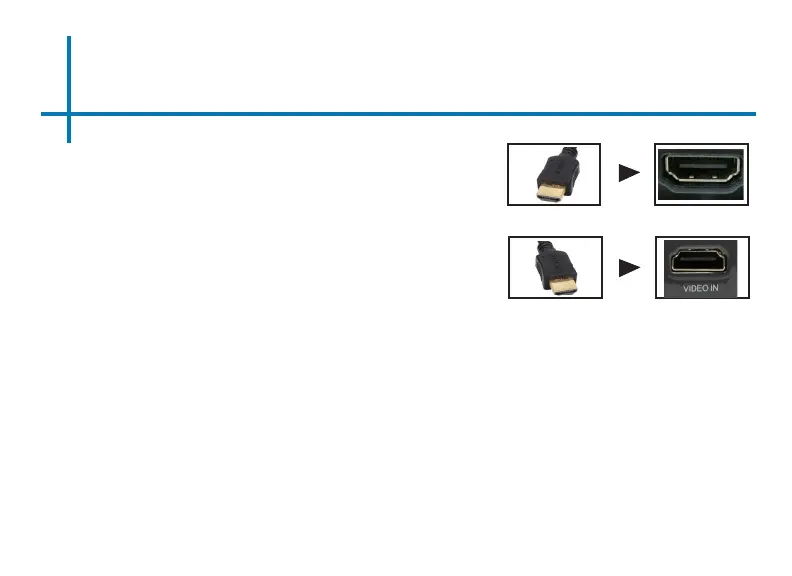
Connect one end of the Digital Input Cable to
your device’s Digital Input port.
Step 1:
Step 2:
Step 3:
In the Main Menu, select the “Digital Video” Icon. Your P8 should now
be mirroring the content from your device.
Connect the other end of the Digital Input
Cable to your P8’s Digital Input port.
If you’re connecting to a computer or laptop and the projector does not
automatically mirror it, read onto the next page for more information.
Note:















 To Next Page