Getting Started
1. Connect the power cord to the P8.
2. Connect the other end of the power cord into the wall power source.
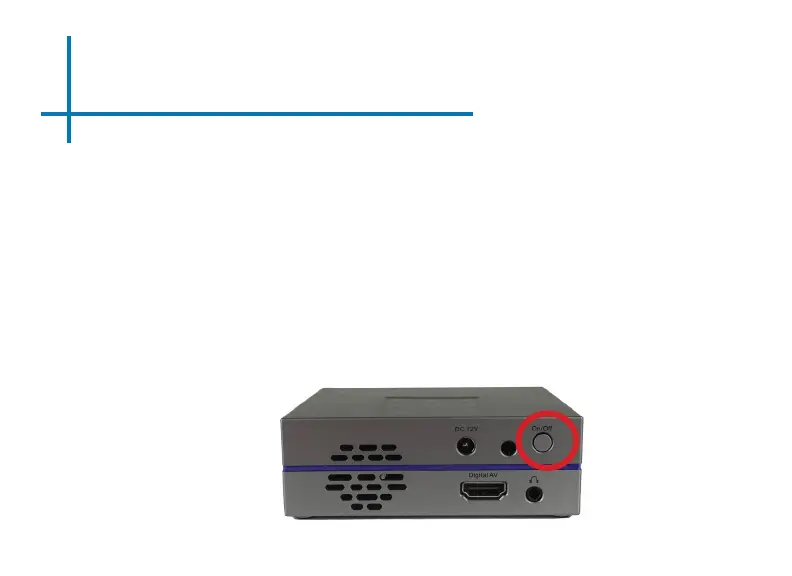
3. Press the On/O button at the back of the P8 for about 3 seconds, wait shortly and
the projector should automatically boot up and turn on.
4
Powering ON the projector
Chapter 2
Powering OFF the projector
1. To turn o the projector, press the “On/O” button.This will fully turn o the projector.
2. Unplug and disconnect the P8 from the power source















 To Next Page