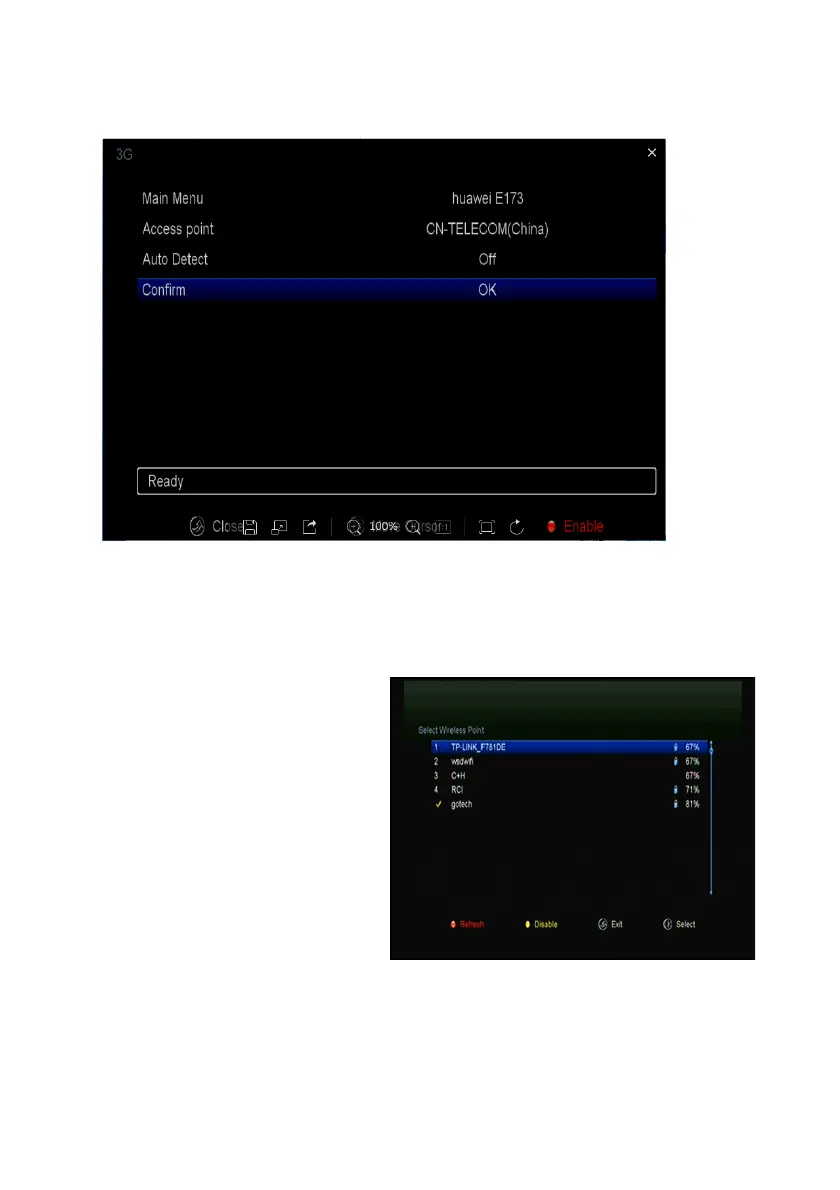
is connected,it will display "Connect".
5.7 Wi-Fi
(Wireless LAN)
1. Plug in the wireless USB
dongle to the USB port.
2. Enter Menu-> Settings
->Wireless Setting->Search
Access Pointer.
3. Select the network name of
your Wi-Fi access point from the
list.
4. Press the OK button, then
input the right password. And you
can press Yellow button to disable/enable the WI-FI.
5. Enter Menu-> Settings ->Wireless Setting->IP Setting.
If the Network is connected, it should get the correct IP address and display the


 To Next Page