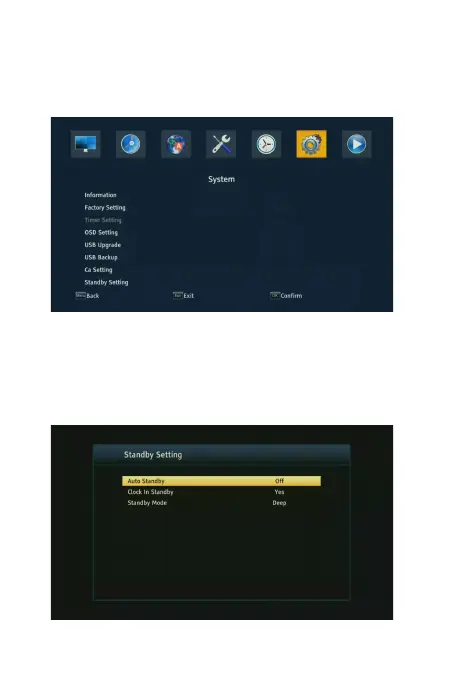
4.6 System
To access the Menu, press MENU and select [System].The menu provides
options to adjust the settings. Press the UP/DOWN key to select an option and
press RIGHT/LEFT to adjust the setting. Press EXIT to exit the Menu.
4.6.1 Standby Setting
To access the Menu, press the Media and select [System].Move to Standby
Setting item, press ok enter to set. The Auto Standby : to set how long will the
machine automatically stand by without operating the remote control. The Clock
In Standby : Select whether or not to display the time in the standby. Standby
Mode : select to deep or soft standby.



 To Next Page