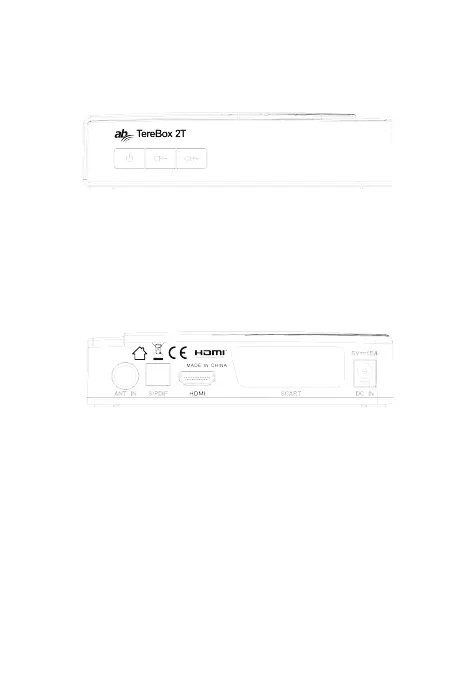
1. Front and Rear Panel
1.1 Front Panel
1. REMOTE CONTROL SENSOR: Used to receive the signal from the remote
control.
2. LED DISPLAY: Used to display the time or channel information.
3. CHANNEL UP: Selects the previous Channel without using the remote control.
4. CHANNEL DOWN: Selects the next Channel. without using the remote control.
5. STANDBY: Used to switch the set top box to on or standby.
1.1.1 Rear Panel
1. ANT IN: Used to connect the ANT to receive the signal
2. HDMI: This socket connects to HDMI in device.
3. SCART: This socket output RGB/CVBS and Audio L/R
4.S/PDIF:This socket output digital audio.
5.DC IN : Used to connect the 5V DC adapter.
6. IR: Used to connect the remote Sensor .
7. USB JACK: Used to connect to an external USB 2.0 device.



 To Next Page