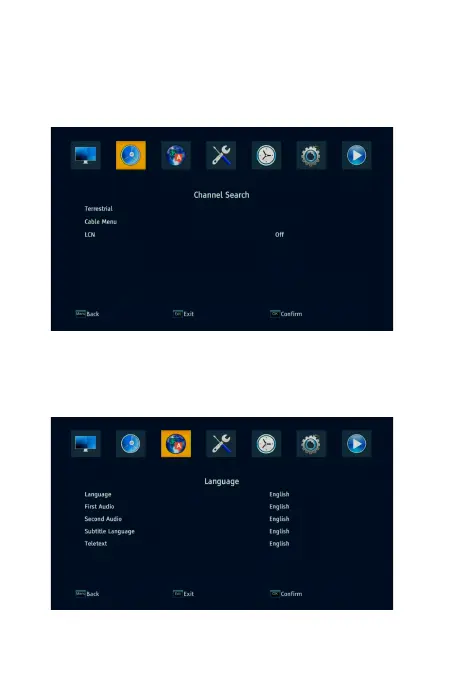
4.2 Installation
To access the menu, press MENU and select [channel search]. The Menu
provides options to adjust the Installation settings. Terrestrial is for DVB -
T2,Cable menu is for DVB-C.Select an option and press RIGHT/LEFT to adjust
the settings. Press EXIT to exit the Menu.
4.3 Language
To access the Menu, press MENU and select [Language]. The menu provides
options to adjust the OSD Language, First Audio and second Audio Language.
Select an option and press RIGHT/LEFT.



 To Next Page