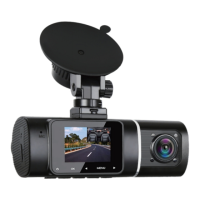
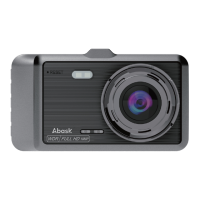
1.Front Camera Lens: Record a video of the front of the car.
2.Microphone: Records clear audio.
3. LCD Screen: 1.5 inches TFT Color LCD Display.
4. IR LED Lights: 4 IR LED lights enhances the night vision in
car.
5. Inside Camera Lens: Rear facing camera for in-car video
recording.
6. Mini USB Port: USB port for charging or transferring data.
7. Mount Connector: Connects to the Suction Cup Mount.
8. Power Button: Power ON/OFF
9. OK button: Confirms the action; Stop/Start the video
recording.
10.◀ button: Move selector up.
11. MENU button: Enter/exit setup menu.
12. ▶ button: Move selector down.
13. Reset Hole:Press to force reset the device
14. Memory Card Slot: Provides expandable storage (Card
has been insert in )
15. Speaker: Delivers sound during video playback.

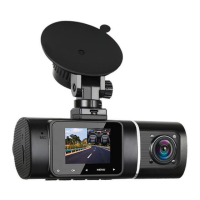

 To Next Page