1MRS751982-MUM
CAP 505
ABB Automation 17
Protocol Editing Tool
User’s Guide
3. Protocol Editing Tool
functionality
3
Which one of the methods is used depends on the column type, column display mode
and “Fast edit” mode status. When some cells of the protocol specific columns have
been modified, the cell texts are shown with blue color.
3.3.1. Column types
The current version of the POD tool supports the following editing types of the
protocol specific columns:
• Numeric
• String
• Option group
• Combination option group
• Switch group
• Hexadecimal
These types are used only while editing table cells and when presenting data in a
user-friendly form. Internal protocol data is always stored in text form, e.g.
“F000V001”, “10.267”, “123” etc.
!
Column types are defined in the protocol image and they cannot be changed at the
basic level.
3.3.2. Column display modes
There are three different display modes of the protocol specific columns:
• advanced
• hexadecimal
•raw
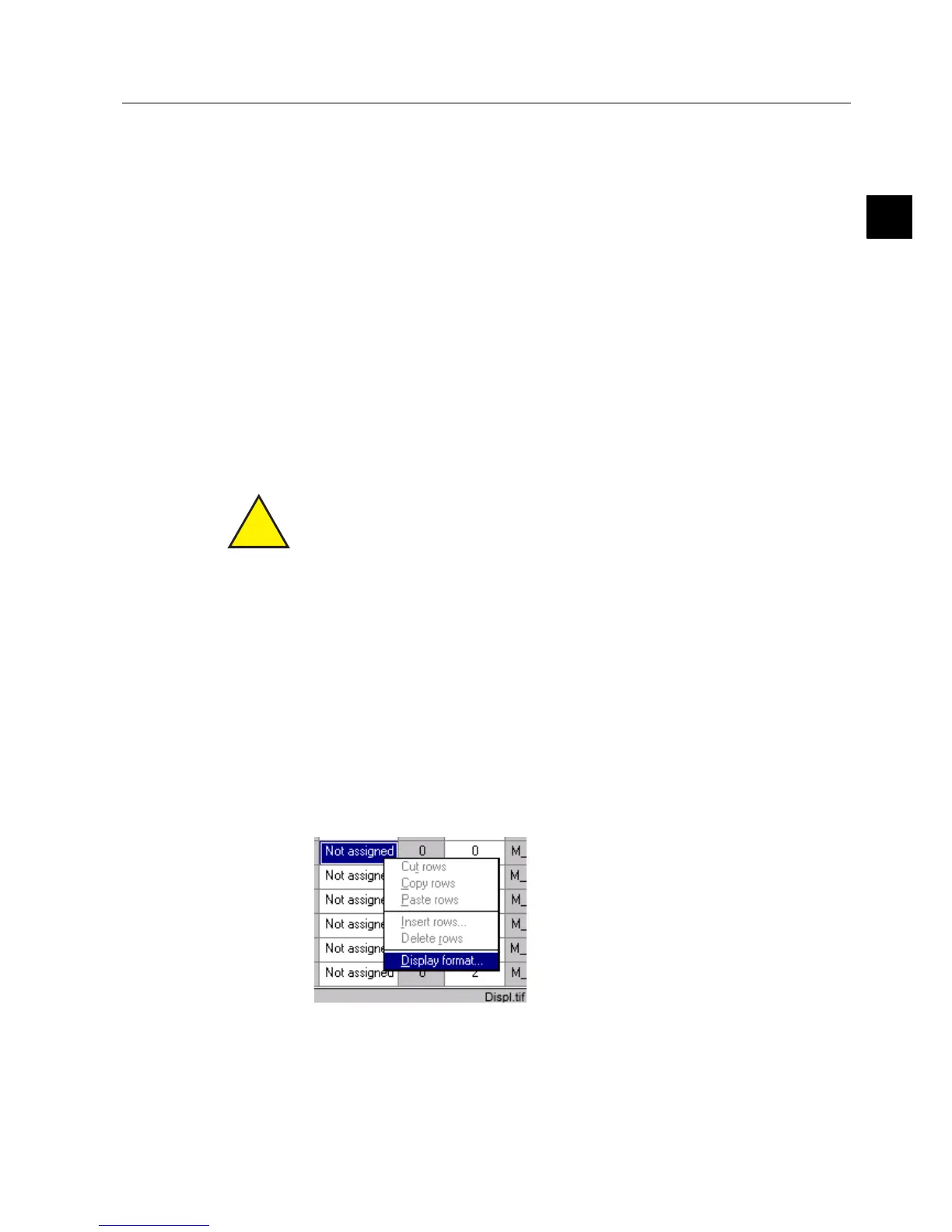
Do the following to switch between these different modes:
Select an editable cell or column.
Click the right mouse button and choose “Display format..”
)LJ 6HOHFWLQJWKH'LVSOD\IRUPDW



 To Next Page