1MRS751982-MUM
CAP 505
ABB Automation 21
Protocol Editing Tool
User’s Guide
3. Protocol Editing Tool
functionality
3
3.6.1. Uploading and downloading the table cells
You can find the Upload/Download functions from the “Transfers” menu or from
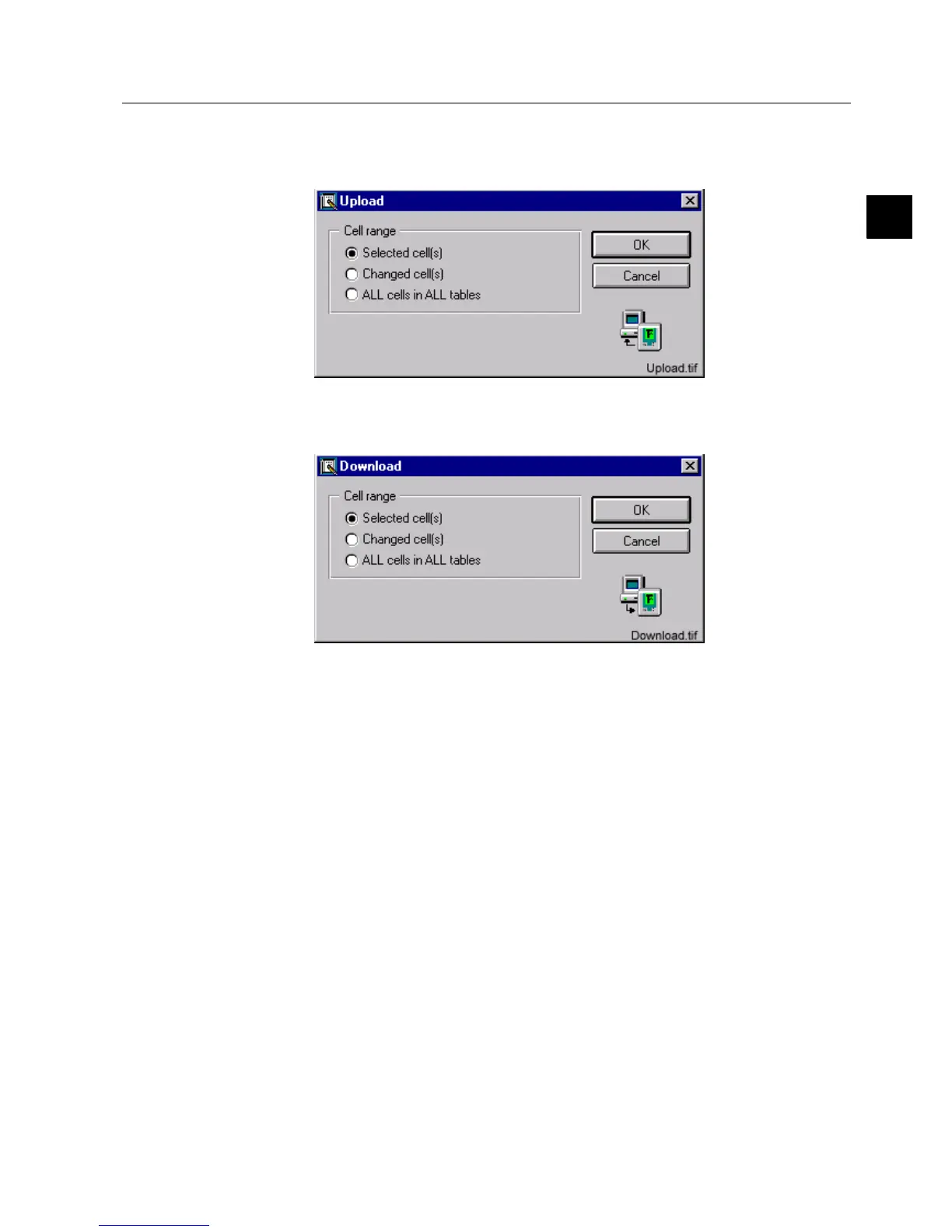
the toolbar buttons. When you choose Upload the following dialog opens:
)LJ 7KH8SORDGGLDORJ
Changed cells are marked with blue text in the table.
)LJ 7KH'RZQORDGGLDORJ
The first two options will be enabled only if the opened configuration is consistent.
If the consistency is unknown, they are disabled. If the configuration is inconsistent,
they are also disabled and, in case of uploading, the following warning dialog
appears before the communication dialog opens:



 To Next Page