English
- 6 -
User manual DW
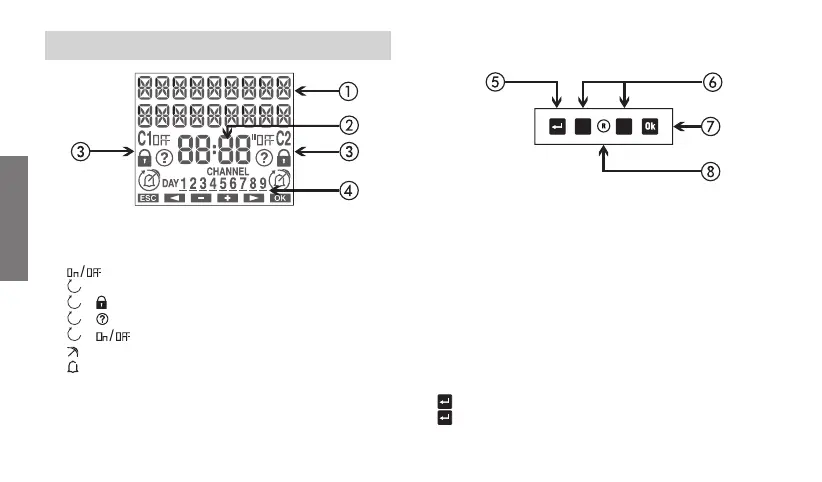
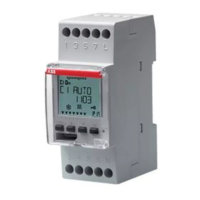
DISPLAY AND KEYBOARD DESCRIPTION
General indications
Time indication
Channel 1/channel 2 status indication
: active manual program
+ : blocked switchings
+ : active random switchings
+ (flashing) : active cycle switchings
: active holiday program
: active pulse program
Day of the week (DAY) indication
Turn on the display
Access the menu
ESC (one level back)
“C1”: decrease datum/previous menu/ switching channel 1/
lock channel 1
“C2”: increase datum/next menu/ switching channel 2/
lock channel 2
Confirm selection
Hardware reset
“Ok” + “C1” (3 sec): active random switching on channel 1
“Ok” + “C2” (3 sec): active random switching on channel 2
“
” + “C1” (3 sec): active cycle switching on channel 1
“
” + “C2” (3 sec): active cycle switching on channel 2
C2
C1



 To Next Page