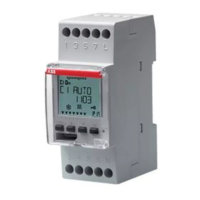
English
- 7 -
User manual DWA
INITIAL OPERATION
• Once out of the package, DWA is off: press the key and wait
a moment before activating the display
• The set language is English. To change it, press the key
for
at least 3 seconds. Choose among: German, English, Spanish,
French, Italian, Russian and confirm with
.
• Make connections following the diagrams on page 5 of this
manual
• Power DWA: the backlighting turns on permanently.
• The presence of the backup battery allows the DWA to have
updated date and time.
To make the other settings follow the following steps:
Date - format: DD/MM/YY
- 1
st
day of the week: Monday
Astronomical coordinates - country: France
- city: Paris
- latitude: North (48° 51’ 36”)
- longitude: East (2° 21’ 00”)
Daylight Saving time (DST)
change: active
- start of daylight saving time (DST):
last Sunday of March at 02:00
o’clock
- end of daylight saving time (DST):
last Sunday of October at 03:00
o’clock
Time correction: - sunrise: +0:00
- sunset: +0:00
Time zone: +1:00 UTC
Random switchings: - minimum: 1 minute
- maximum: 5 minutes
Cycle switchings: - ON duration: 1 minute
- OFF duration: 1 minute
PIN protection: disabled (---)
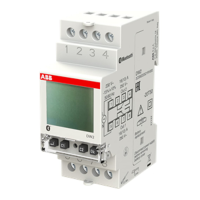
Bluetooth: disabled (Password: 000000)


 To Next Page