I.L. 40-386.12
2-5
2
and the current setting value on the
second line.
The current setting value can be
changed by pressing the ENTER
push-button once. An underscore
dash will then blink alternatively be-
tween the first and last characters on
the second line. At this point, other
values for the same setting can be
scrolled through by depressing the
LOWER or RAISE push-button. When
the desired value is reached, select it
by pressing ENTER until VALUE UP-
DATED! shows on the display. After
the value is updated the system then
returns to the function SET mode.
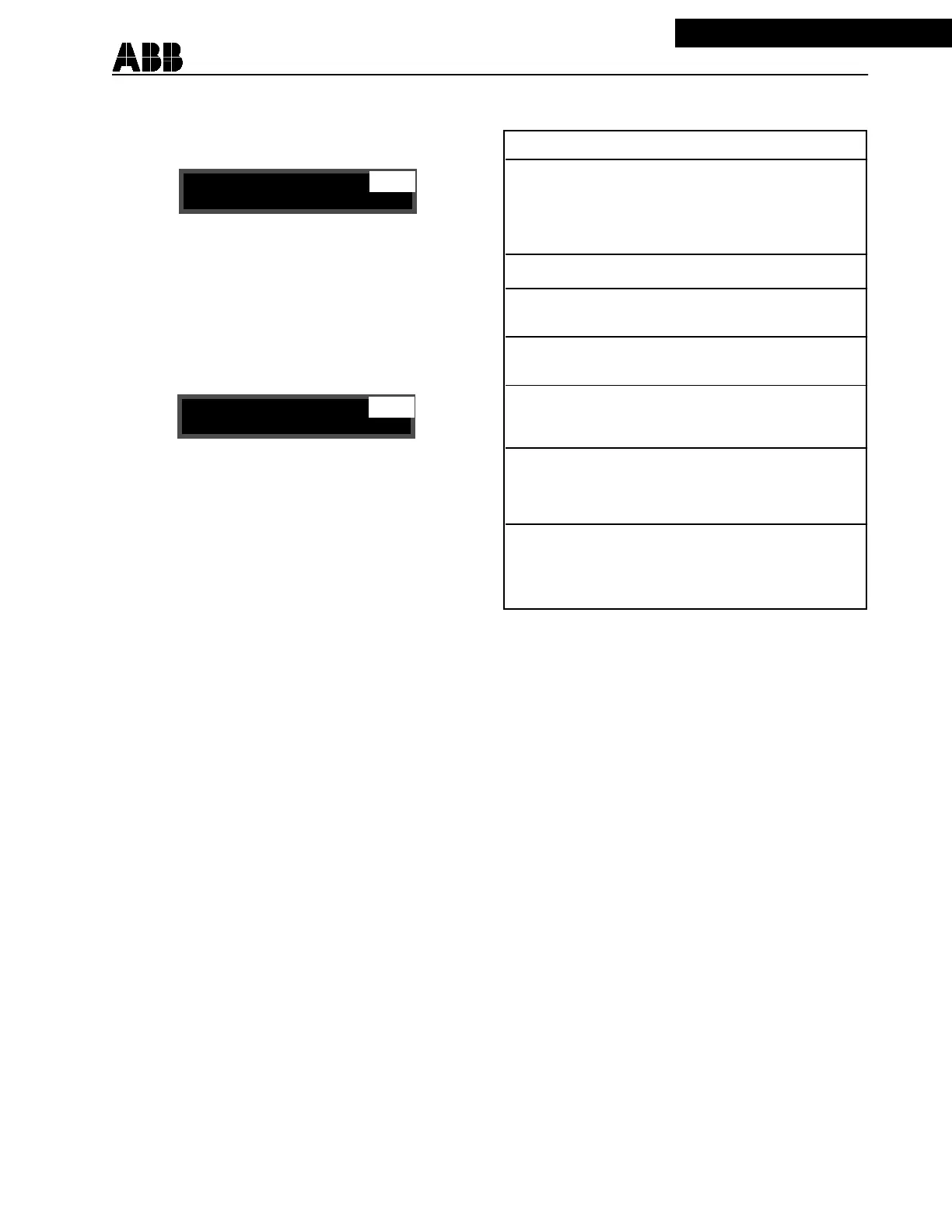
Reclosures
4 recl
SET
Reclosures
SET
—
4 recl
—
In order to restore the original value while in the middle of the scrolling values, press SELECT
instead of ENTER, the system returns to the SET mode, without updating the setting. In the SET
mode, a jump to the next mode is performed by pressing SELECT.
Scrolling proceeds at a faster rate after having continuously held down either button for about 3
seconds. At the end of a setting session, return to READY mode by pushing the SELECT push-
button until the READY appears on the display.
The settings relating to synch-check are listed and described at the end of each of the four re-
closure group settings. It is advised to adjust all settings in the order given in the list (i.e. using
the RAISE push-button to move to the next setting) since some settings might not be displayed
as the result of another setting choice. For example, selecting 2 reclosures disables the display
of settings for reclosures 3 and 4. Likewise, when a function works in conjunction with a timer,
disabling the function “hides” the timer setting.
2.5.3 Targets Mode TR
Change the mode to TR using the SELECT push-button. The relay saves the reclosing events
that have taken place during the last two reclosing sequences for front display purpose.
The last reclosing sequence is referred to as “Last Sequ”, and the previous one as “Prev Sequ”
in the function field of the display. The last 16 targets are recorded and can be checked remotely
via a RS232 or NET PONI interface.
MODE DESCRIPTION AS DISPLAYED
READY System ready to start a reclosing READY
sequence. The reclosing logic must Recloser V1.xx
be in this mode in order to operate.
When in the READY state, the
display default mode is the READY mode.
SETTINGS Check and/or change settings. SET
TARGETS Lists the data related to the two TR
last reclosing cycles.
STATISTIC List the status of the different MEM
counters.
TEST Shows selftest status and allows TEST
the testing of output contacts and
LEDs.
LOCKOUT Displays the reason for being in LOCKOUT
LOCKOUT state. When in the Reason for
LOCKOUT state, the default mode LOCKOUT
is the LOCKOUT mode.
DISABLED recloser disabled from “Recloser” Recl. Disabled
setting. When in the disabled state, Check Setting
the default mode is the disabled
mode.
TABLE 2-3


 To Next Page
 Loading...