VSN800 Weather Station Product Manual
- 3 -
VSN800-12
Installation steps
1 Select Location for the VSN800
2 Make Connections to 24VDC Power
3 Make Connections to Management System through RS485
4 Install PV Panel Temperature Sensor;
For the VSN800-14 Model, Install Secondary Pyranometer
5 Complete Mounting of the VSN800
6 Verify and validate the Installation via the Management System
Equipment and supplies
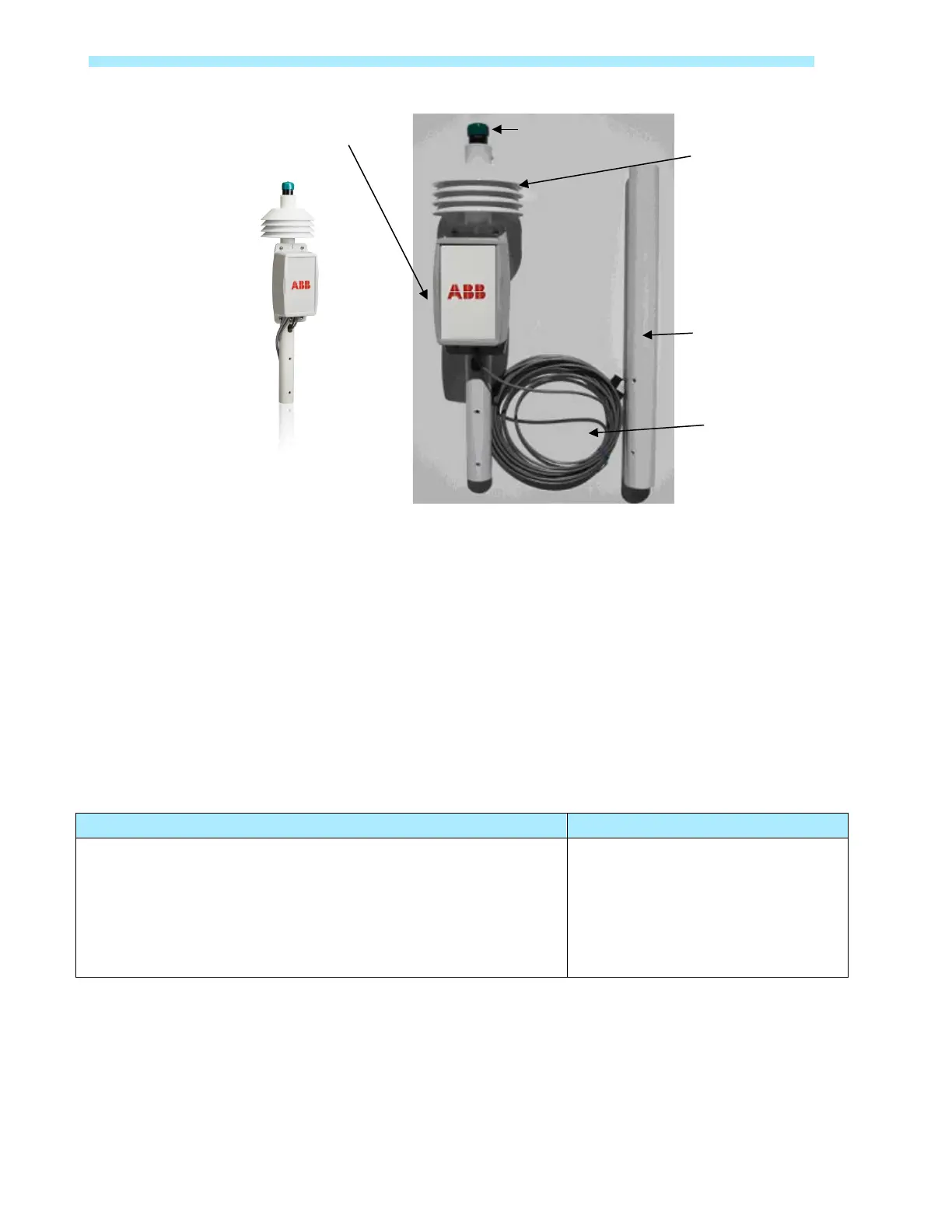
VSN800 Weather Station, which includes:
Pyranometer
Ambient Temperature Sensor
External PV Panel Temperature Sensor
External Second Pyranometer (VSN800-14 Model Only)
Wind Speed and Wind Direction Sensor (VSN800-14 Model Only)
Tripod or pole mount base
Guy wire kit, if necessary
24VDC Power
Twisted Pair Wires
Site selection and mounting
Weather station location
The ideal site is level and well away from obstructions such as buildings, tress, and steep
slopes. The weather station is typically pole or tripod mounted.
Temperature
Sensor
Temperature Sensor


 To Next Page