19
SECTION 4
19
i-STAT
Alinity — Quick Reference Guide Art: 731848-01 Rev. M Rev. Date: 25-Jul-2022
Low Baery
Cartridge tesng will be disabled if baery is not recharged or replaced.
Recharge or replace baery as soon as possible.
Alerts 1 of 1
Exit Alerts
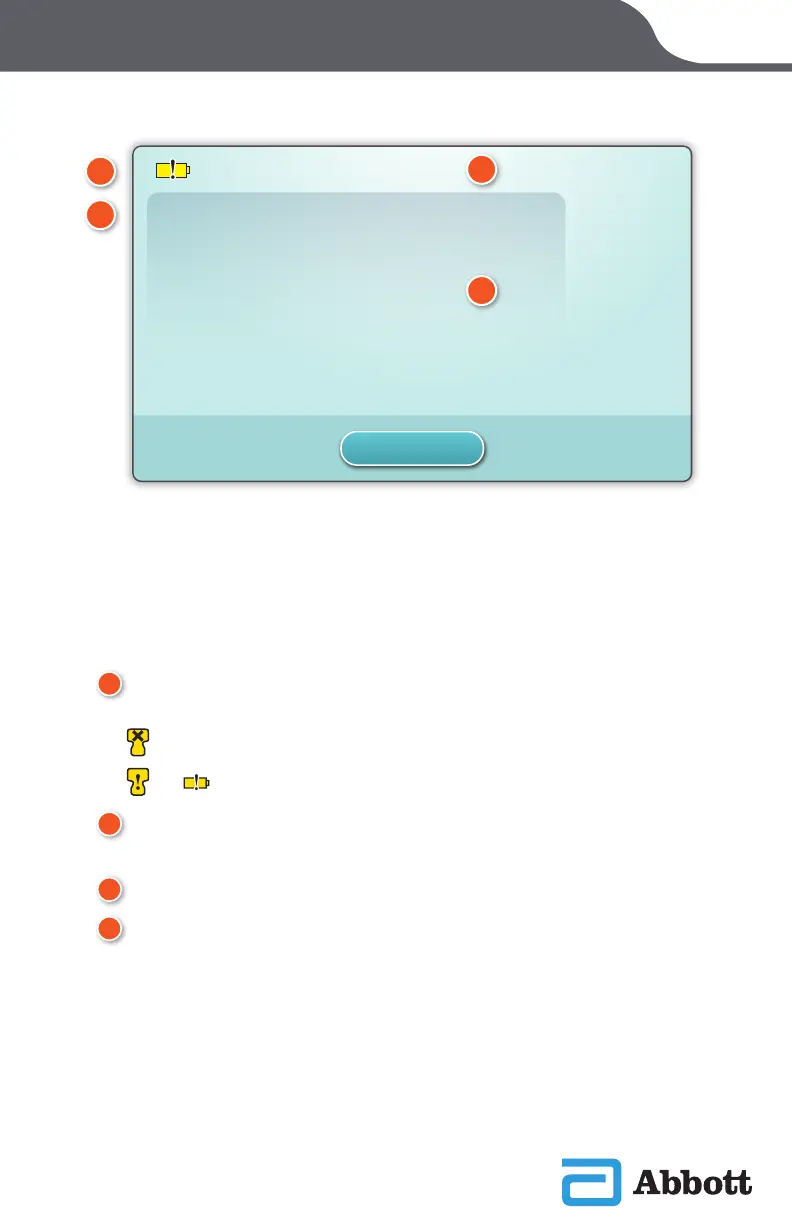
If one or more startup self-checks fail, the instrument will display the Alerts
Screen as shown in the example above.
A
WARNING or LOCKOUT ICON:
Indicates status of alert.
Instrument is locked until requirement is satised
or Instrument warning
B
ALERTS INDICATOR:
Displays number of alerts
C
ALERT TITLE
D
ALERT DESCRIPTION:
Displays cause and resolution
A
C
B
D
ALERT SCREEN












 To Next Page