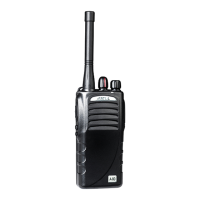
S1 Service manual
6
·Interface cable description
(PC programming interface cable:Option)
The interface cable is required to connect S-1 to the PC. It has a circuit in their D-sub connection
(9-pin) cases that convert the RS-232C logic level to the transistor logic lever. The cable connects
the side panel jacks of the A-80 to the PC’S RS-232C serial port.
·Programming software description
The S-1 programming software allows user to program A-80 via a programming cable.
·Programming by PC
If data is transferred to the transceiver from the PC, the destination data (basic radio information)
for each set can be modified. Normally, it is not necessary to determined automatically when the
frequency range (frequency type) is set.
The values should be modified only if necessary.
Data can be programmed into the EEPROM in RS-232C format data via the SP MIC plug.
In this mode the PTT line operates as TXD and RXD data lines respectively.
DISASSEMBLEY FOR REPAIR
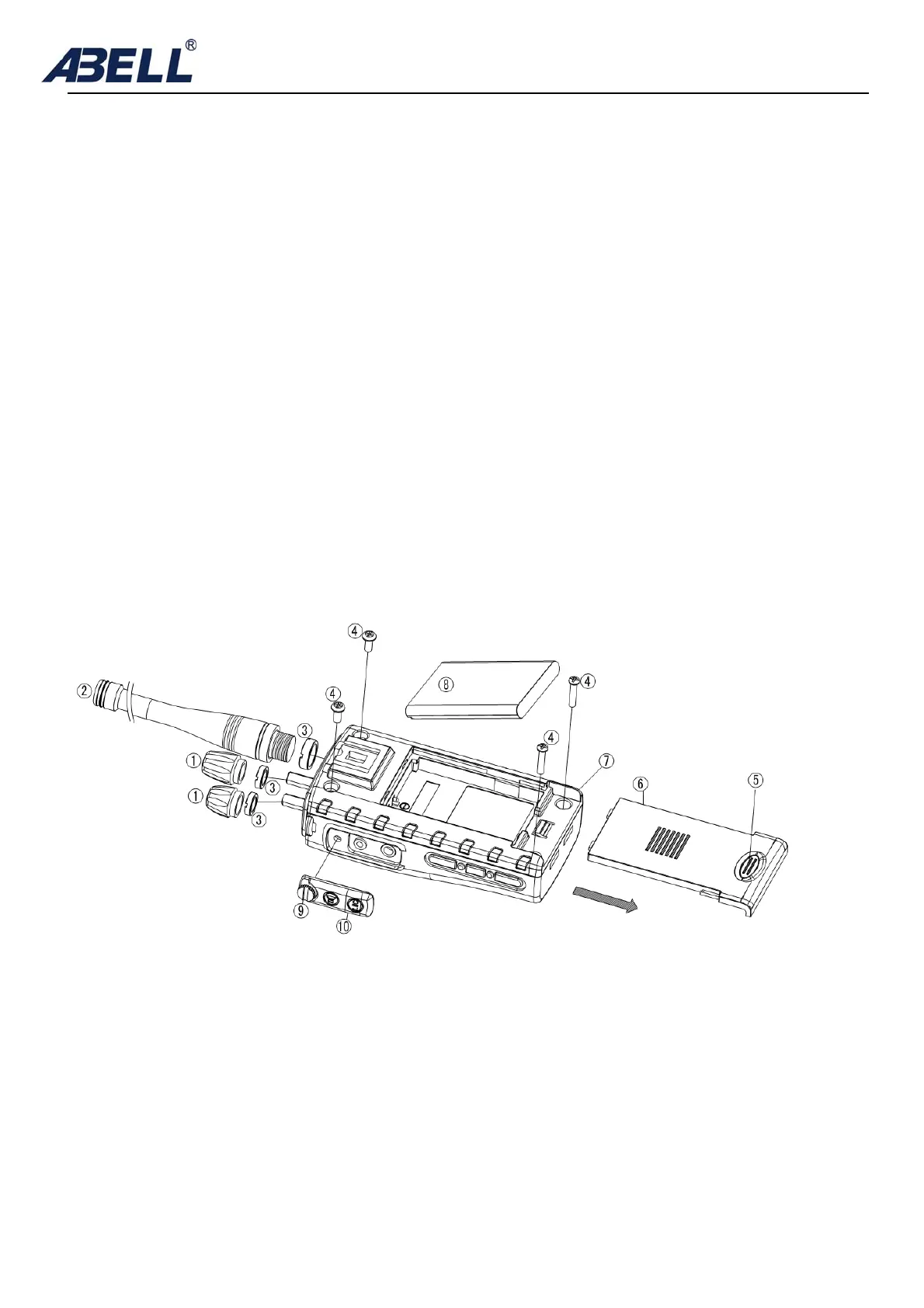
separating the case assembly from the chassis
1.Press and push ⑤ to remove the battery cover ⑥
2.Remove battery⑧
3.Remove antenna②
4.Remove knob① and two round nut ③
5.Release screw⑨,remove the earpiece jack⑩
6.Remove battery tunnel⑦
7.Removel chassis and housing cabinet, be careful not cut the speaker lead⑾


 To Next Page