Driver & Utility
IP35V 3-5
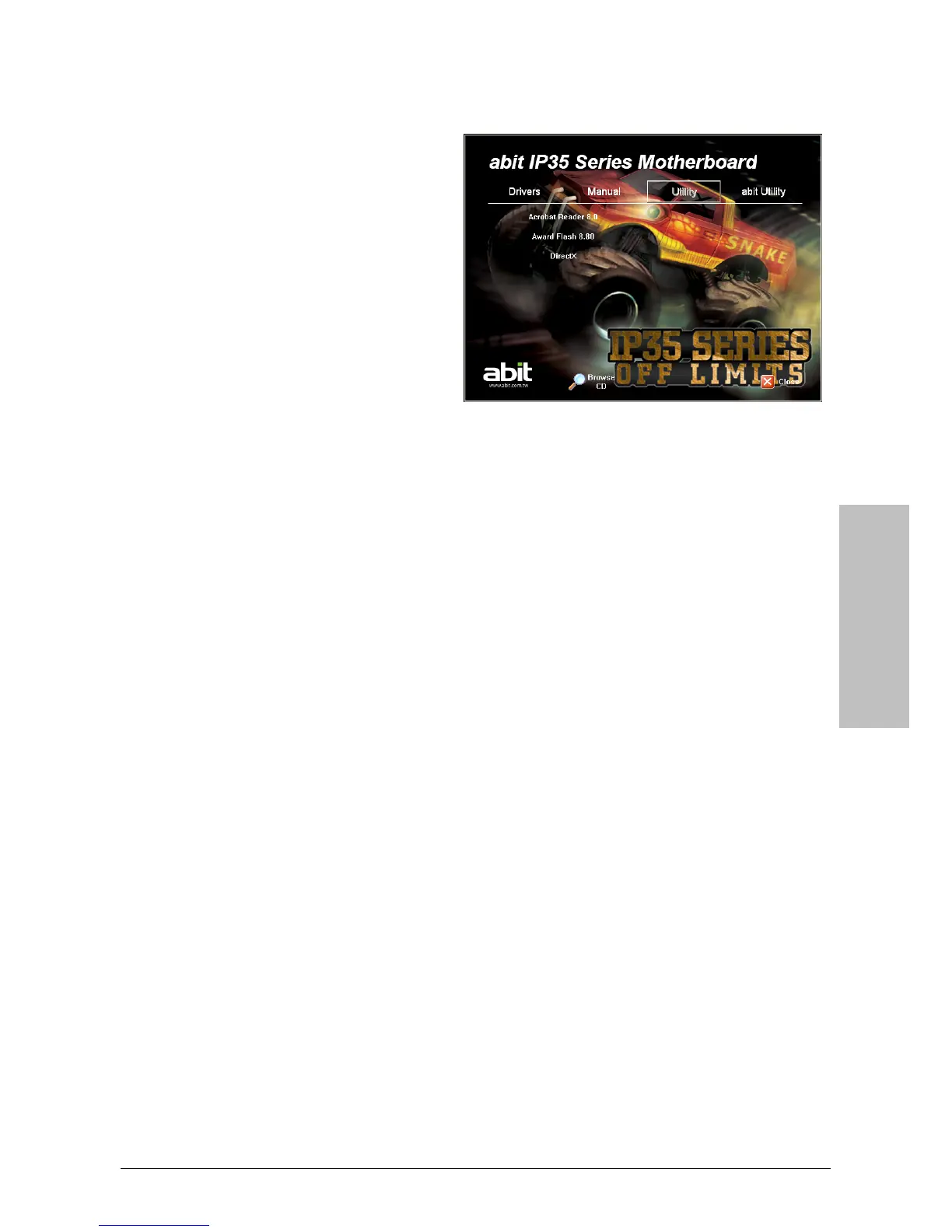
3.7 Acrobat Reader 8.0
To install this utility:
1. Click on the [Utility] tab in the
installation menu screen.
2. Click the [Acrobat Reader 8.0] item.
3. Follow the prompts on the screen to
complete installation.
※ For Windows XP 64-bit and Windows 2003 32-bit/64-bit installation:
You must install the bus driver for [Microsoft High Definition Audio] first, and then
install the following [Realtek HD Audio Driver] item separately to enable the audio
function.
※ For Adobe Reader V8.0 installation in systems running versions of Windows
prior to Windows XP:
You should have your Internet Explorer upgraded to the version later than 6.0.2600.0
before installing Adobe Reader V8.0 from the download site:
http://www.microsoft.com/downloads/details.aspx?familyid=1E1550CB-5E5D-48F5-B02B-
20B602228DE6&displaylang=en



 To Next Page