Install LAN Driver C-3
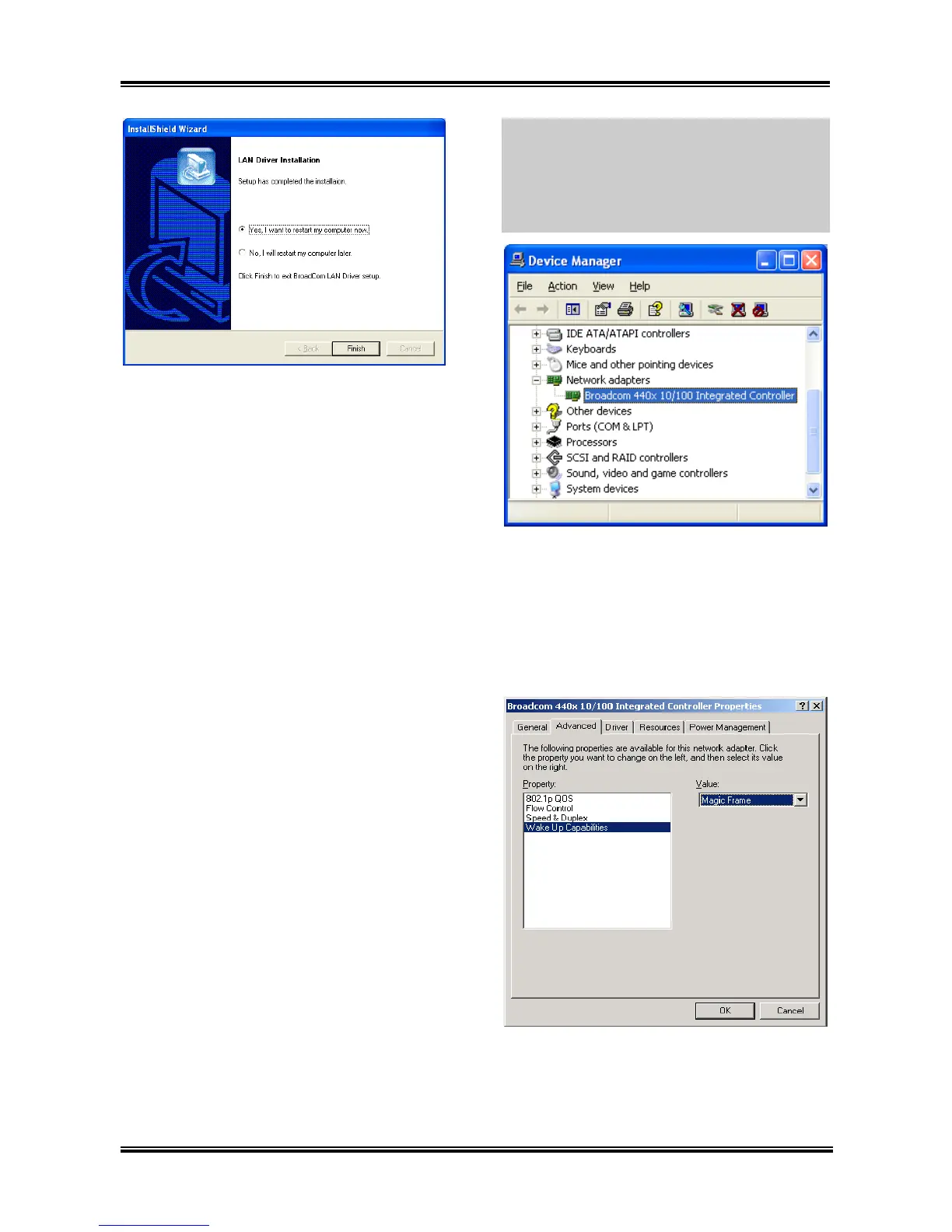
8. Choose [Yes, I want to restart my computer
now.], and click [Finish] to complete setup.
Note: In order to enable the WOL (Wake-up On
LAN) function for KD7-S and KD7-B model in
Windows 2000 and Windows XP, it is
necessary to change the value of the “Wake Up
Capabilities” property into “Magic Frame”.
Please refer to the following two steps:
1. After finished the driver installation, check
the [Network adapters] in the [Device Manager].
You will find the [Broadcom 440x 10/100
Integrated Controller] is successfully installed.
Select [Broadcom 440x 10/100 Integrated
Controller]. Right click your mouse to enter its
properties.
2. Select [Advanced] tab. Move your cursor to
select the [Wake Up Capabilities] property
option and then set the value option to [Magic
Frame]. Click [OK] and restart your computer
to complete setup.
User’s Manual



 To Next Page