EN 8 Installation
3.3 Technical data 4.1 Remote control
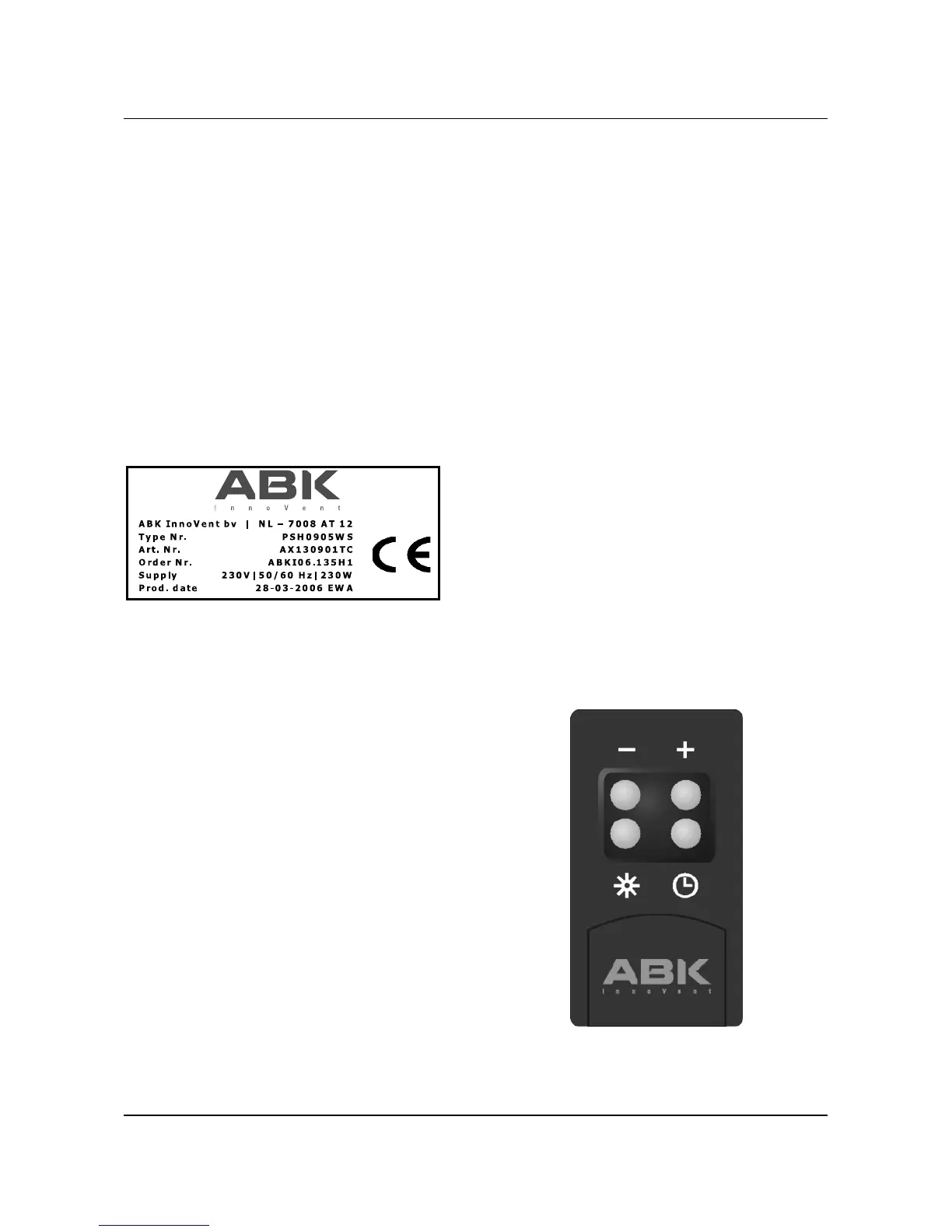
Please read the technical data on the The NEERIM is controlled with a remote
washable type sticker on the inside of the control, which enables you to set it on the
extractor. In case of reclamations always preferred extraction capacity position
state: from a distance.
- Type No.
- Art. No. The current motor position can be read
- Order No. from the position indicator (EB990)
integrated in the perimeter gap. Read 4.2
Position indicator which explains the
functions of the indicator.
The symbols on the remote control are
explained on the following pages.
Depending on the exact type of your
extractor, it is equipped with an electronic
control EB800 or EB900 or with a position
indicator EB990 (NEERIM).
3.4 Disposal of the packaging and
extractor itself
The packaging of the extractor is fully
recyclable. It consists of cardboard,
polystyrene foam (PS) and polyethylene
foil (PE). These materials must be
disposed responsibly and according to the
current governmental regulations. The
government can also supply you with
information regarding the appropriate
disposal of used domestic appliances.
4.2 Position indicator (EB990)
Main switch, can be used to
switch off the extractor
and/or lighting without using
the remote control.
Attention! The extractor is
not dead!
Indicator motor position
1- 2 - 3 - 4.
Chapter 4
On/off switch for the lighting.
Reducing the extraction
capacity, starts with zero (0).
- Display indicates motor
position.
- Display switches off
automatically after 1 minute
in position 0.
Increasing the extraction
capacity; highest level is 4.
Button for selecting the
delayed auto-off function. This
leaves the motor running for an
extra 20 minutes and then
switches off automatically.
This function can be used in
any desired motor position,
also to be changed within the
20 minutes. The display is
blinking the motor position
when the delayed auto-off
function is switched on. It can
be switched off by setting it in
the “0” position.
EN 9 Using


 To Next Page