Ap1400V Installers’ Guide Page 10 of 15
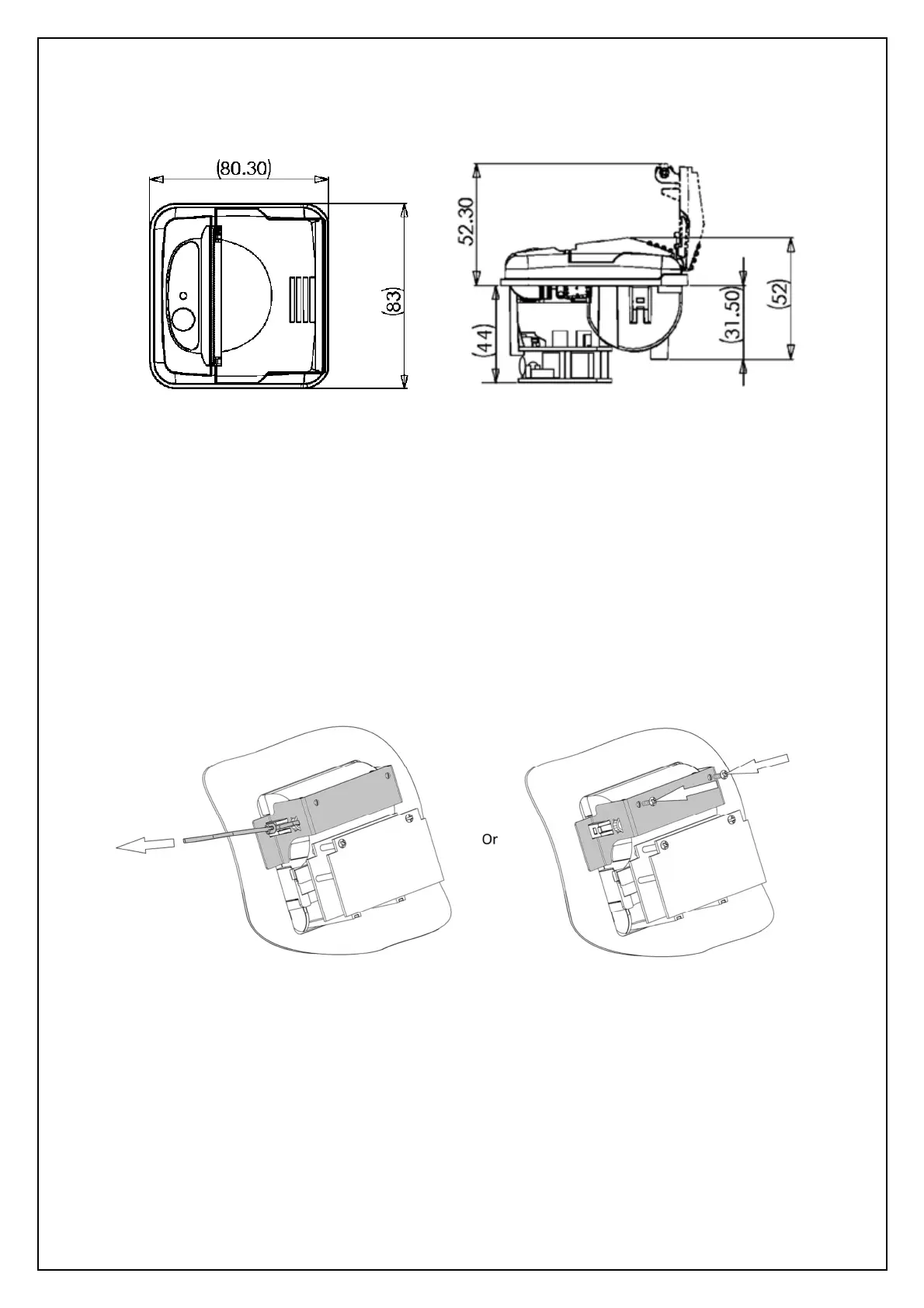
9 UNIT DIMENSIONS
(All dimensions in mm)
10 MECHANICAL FIXINGS
The Ap1400V has several fixing options to suit a variety of installations;
10.1 MOUNTING BRACKET
1) Fit the printer into the panel and apply the mounting bracket as shown below.
2) Secure with two M3 machine screws or two cable ties, one at either side of the bracket. (all
included in Ap1400VKIT).
3) Open the printer lid, fit a paper roll and close the lid.
4) Connect power and data leads as described in the ‘Connection Guide’ in this document.



 To Next Page