Ap1400V Installers’ Guide Page 7 of 15
8 CONNECTION GUIDE
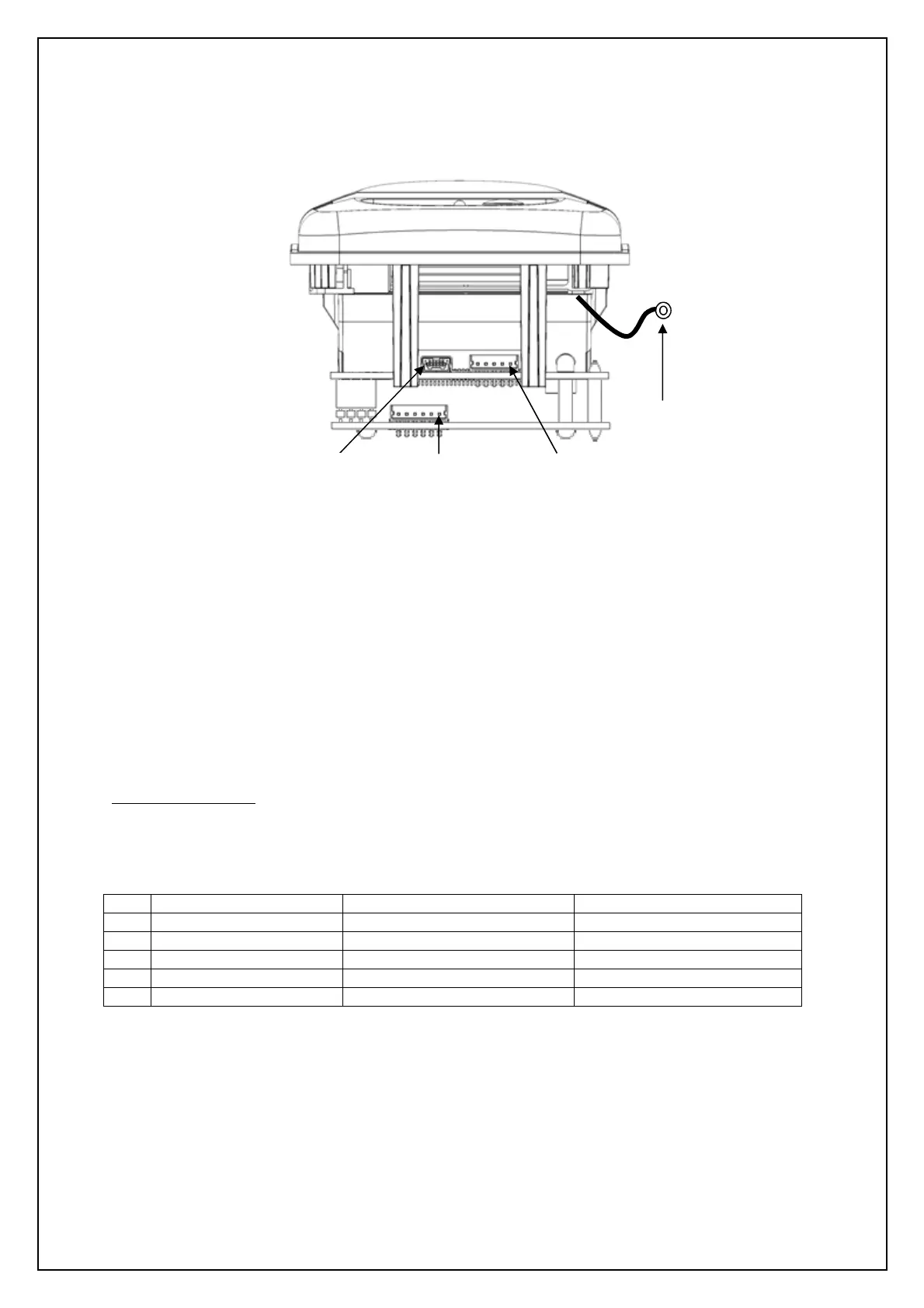
The Ap1400V is fully hot-swappable. It has 3 user connectors and a chassis earth strap. Either data
connector may be used, but only one concurrently. The Ap1400V will detect and receive data from a
single data connector automatically. To swap data connections, the power must be cycled.
8.1 J2 – USB DATA
The Ap1400V supports full speed USB 2.0 connections to the Mini USB-B port, J22 a standard USB-
A to Mini USB-B lead can be obtained from Able by ordering part number: Ap1400USBC.
Please contact Able systems for USB drivers.
J2 Mating Connector:
Standard Mini USB-B lead (USB 2.0).
8.2 J4 – RS232 DATA
J4 Mating Connector
: Molex
: 51065-0500
: 0502128000
1 RX data i/p 3
2 Printer Wake i/p 4
3 Printer Busy o/p 6 and 8
4 TX data o/p 2
5 GND - 5
A moulded RS232 D9 lead for direct connection to a PC RS232 port can be obtained from Able by
ordering part number: Ap1400D9.
An unterminated RS232 lead can be obtained from Able by ordering part number: Ap1400SC.
J3 Power
J2
USB
Data
J4 RS232
Data
Chassis
Earth
Strap



 To Next Page