Installation
30 | EN
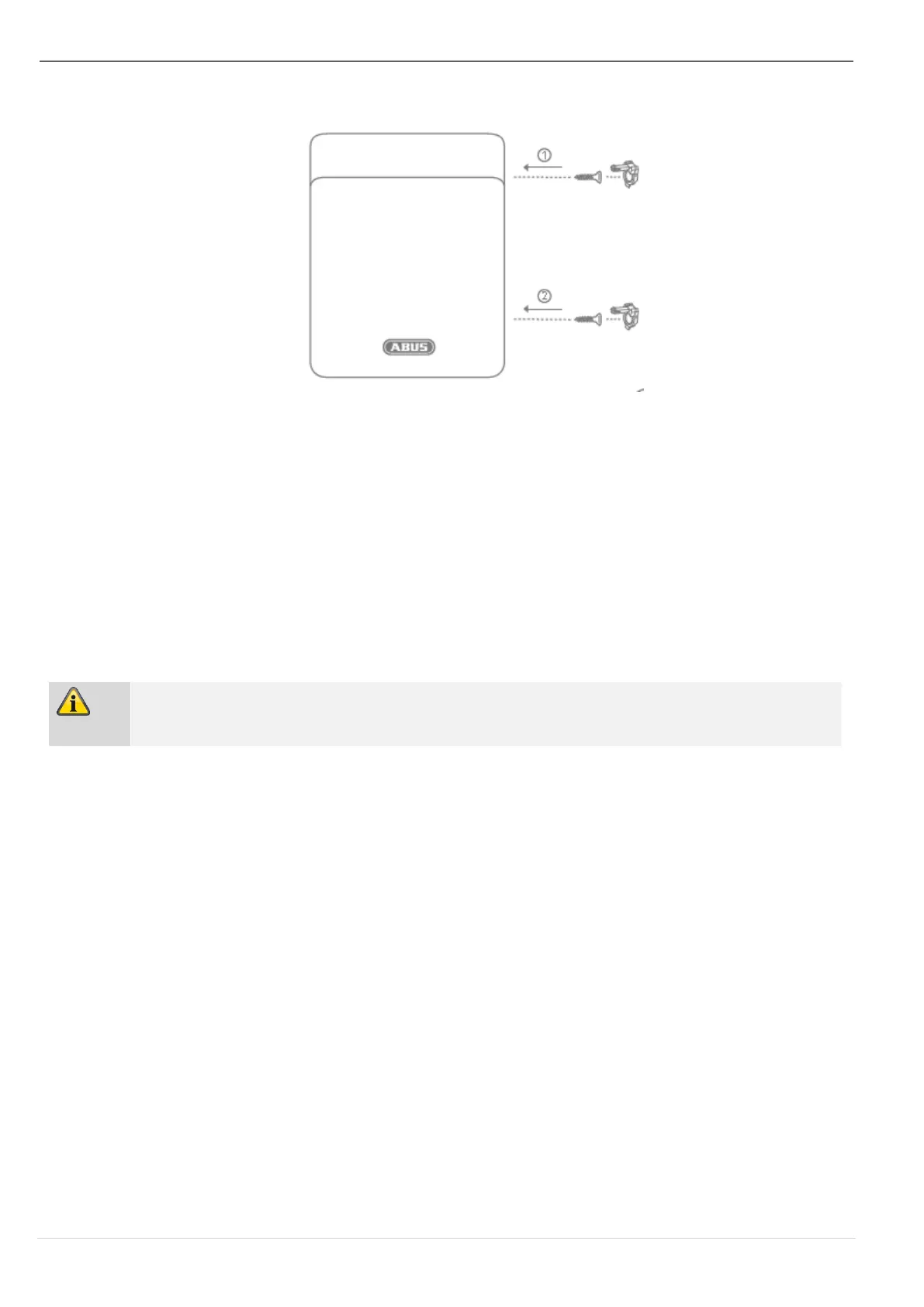
Step 4c: Close the housing
Figure 10
Close the cover, tighten the cover fixing screws and close the covers of the screws.
Step 5: Assigning components
Select:
Installer mode -> Components -> RF repeater > Edit > RF repeater X
Select the desired repeater from the list of paired repeaters. Here you can select or deselect
the detectors to be repeated in the corresponding detector groups. For further details,
please refer to the instructions of the alarm panel or wireless extension. You can also
change the name of the repeater after selecting the corresponding submenu.



 To Next Page