16
3. Connections and functions
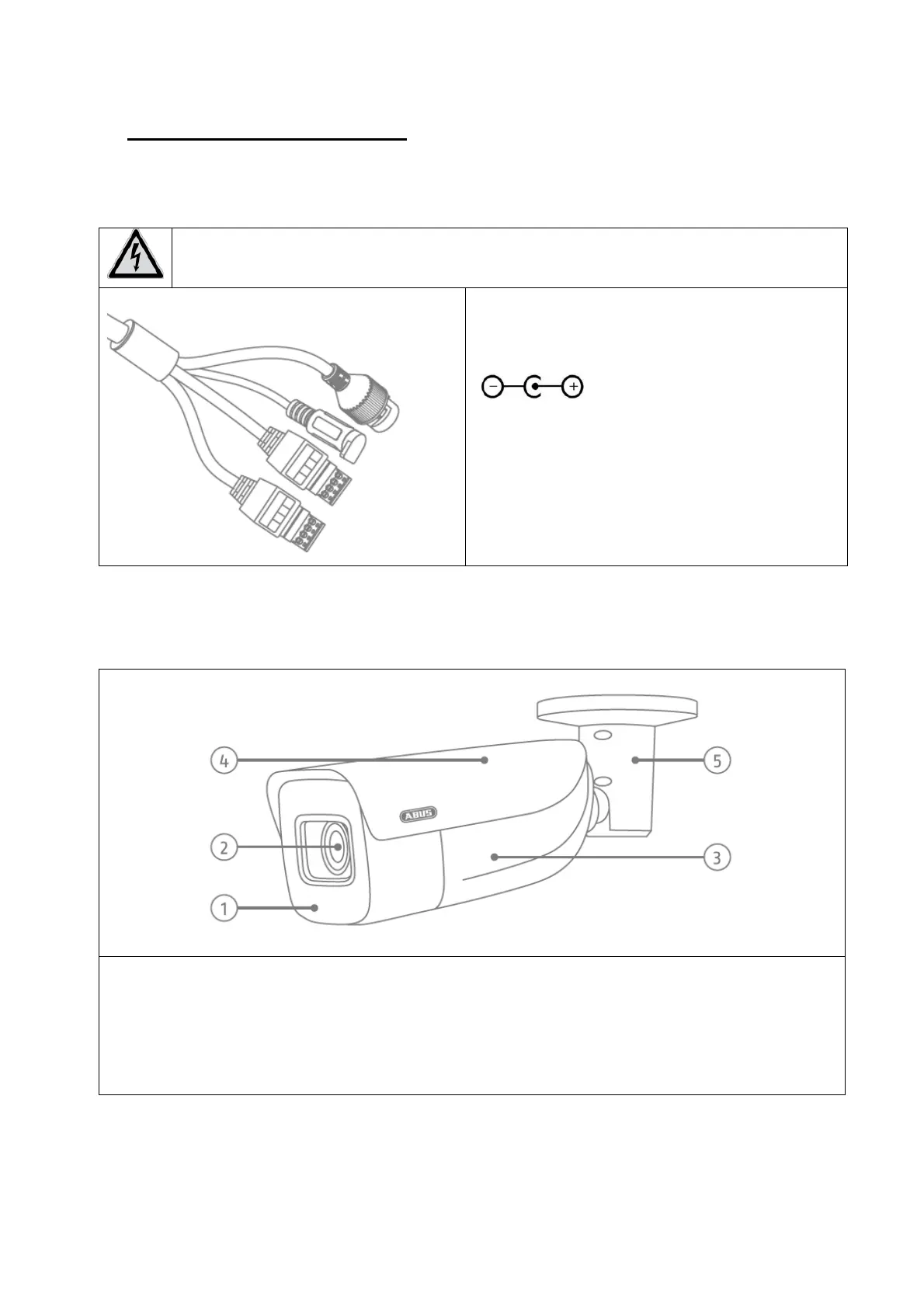
3.1 Connections
ATTENTION!
Before you begin the installation, make sure that the supply voltage and the nominal
voltage of the camera match.
1: Network connector (RJ45, PoE 802.3at)
2: Power connector, 12 V DC, ensure that
the polarity is correct
3: “ALARM” (switching input, switching
output)
4: “AUDIO” (audio input, audio output)
3.2 Housing overview
1: IR LEDs
2: lens
3: camera body
4: Sun canopy (removable, movable)
5: Camera holder (adjustable in 3 axes, one fixing screw)
2
1
3
4



 To Next Page