110
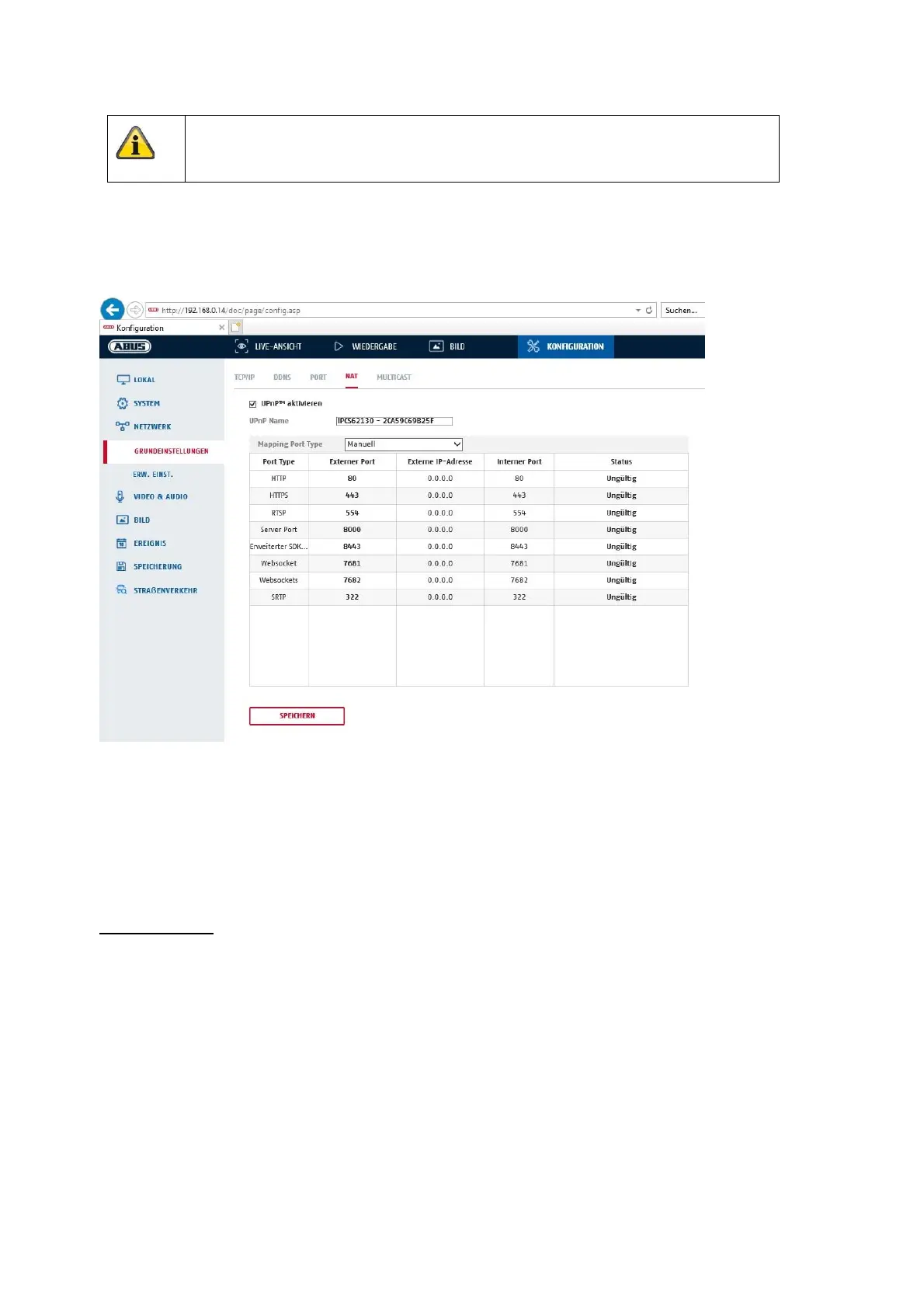
8.3.4 NAT
Enable UPnP: Activation or deactivation of the UPnP interface. Upon activation, the camera, for
example, will appear in the Windows network environment.
Name: Definition of the name for the UPnP interface (this name will be assigned to the
camera, for example, in the Windows network environment.)
Port Mapping Mode
Select here whether you wish to conduct port mapping automatically or manually.
You can choose between "Auto" or "Manual".
Protocol Name:
HTTP
The default port for HTTP transmission is 80. As an alternative, this port can be assigned a value in the range
1025 ~ 65535. If several IP cameras are located on the same subnetwork, each camera should have its own
unique HTTP port.
RTSP
The default port for RTSP transmission is 554. As an alternative, this port can be assigned a value in the
range 1025 ~ 65535. If several IP cameras are located on the same subnetwork, each camera should have its
own unique RTSP port.
Server port (control port)
Apply the settings by clicking “Save”.



 To Next Page