85
6. Initial start-up
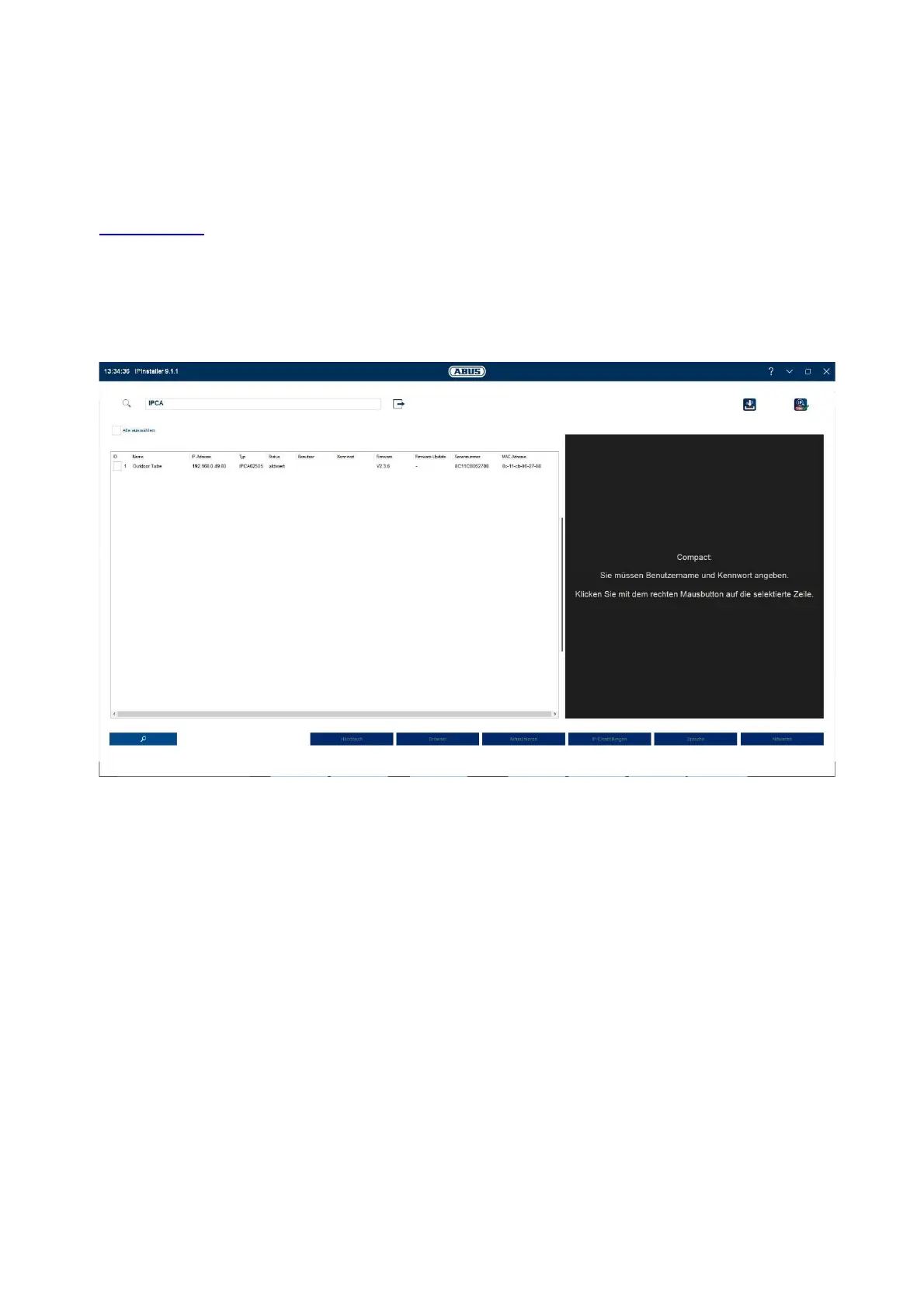
6.1 Using the ABUS IP Installer for camera search
Install and start the ABUS IP Installer. This is available for each respective product from the ABUS website
www.abus.com.
The IP camera should now appear in the selection list without the relevant IP address for the target network,
where appropriate. The IP settings for the camera can be changed using the IP installer.
Using the "Browser" button, a previously selected camera can be opened directly in the internet browser (the
default browser for Windows will be used).



 To Next Page