91
7. User functions
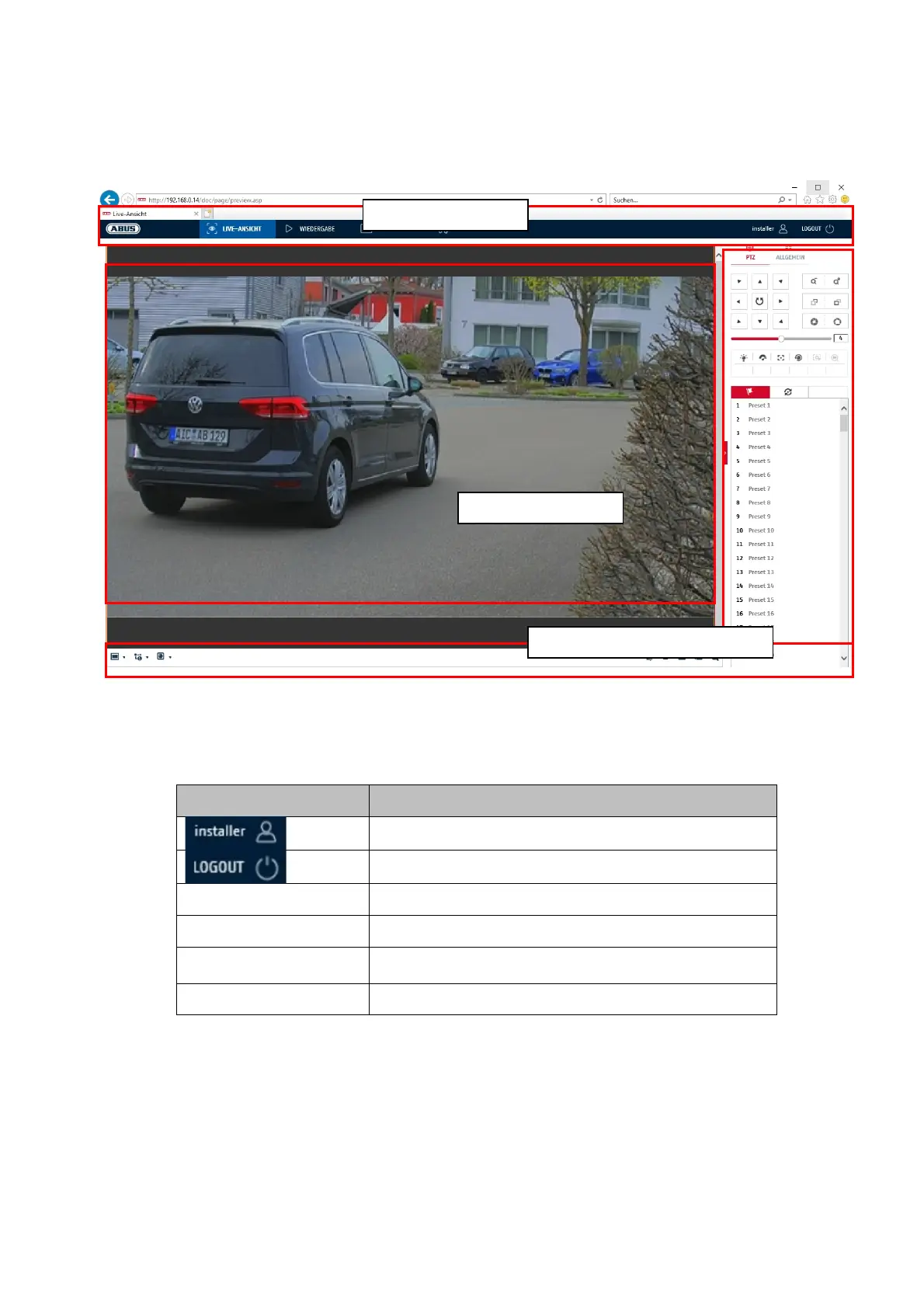
Open the network camera home page. The interface is divided into the following main areas:
7.1 Menu bar
Make a selection by clicking on the appropriate tab: "Live View", "Playback", "Image" or "Configuration".
Button Description
Display of the currently logged in user
User logout
Live view Live image display
Playback Playback of video data on the microSD card
Image
Image retrieval of stored individual images (e.g.
captured number plates
Configuration Configuration pages of the IP camera
Menu ba
Live ima
e dis
la
Control bars



 To Next Page