10.4. Automatic log-in
When entering the admin password, you can use the 'Automatic log-in' button to save the admin
password on your end device, meaning this does not need to be entered on your end device the next
time you access the advanced settings. This does not apply when you are accessing the system from
other end devices.
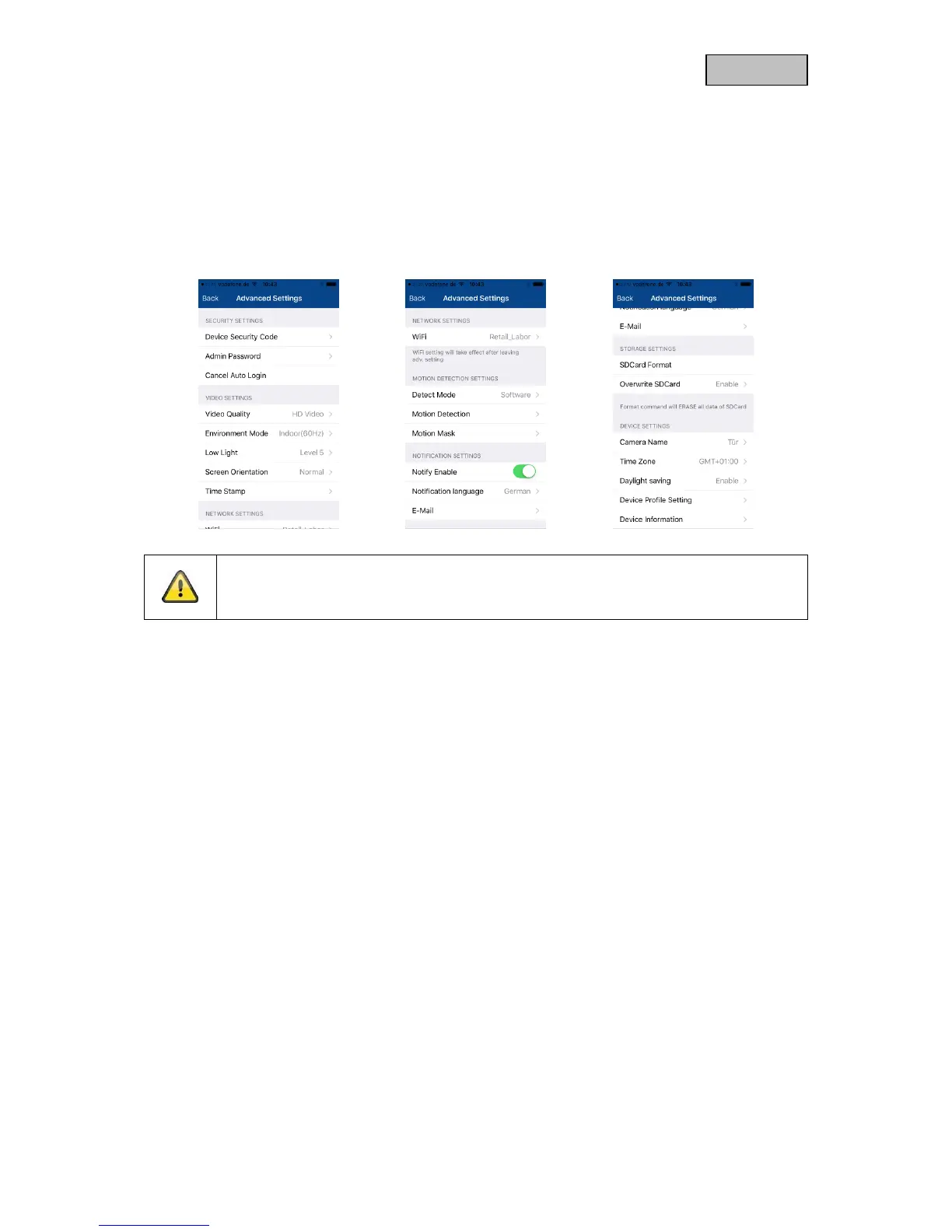
11. Advanced camera settings
Note
Although the individual items have a different layout to in Android, the functions are
identical and available on both platforms.
11.1. Security settings
Device security code: You can change the camera's security code here.
Admin password: You can change the camera's admin password here.
Disable automatic log-in: If automatic log-in has been enabled, you can disable it here.



 To Next Page