– 38 –
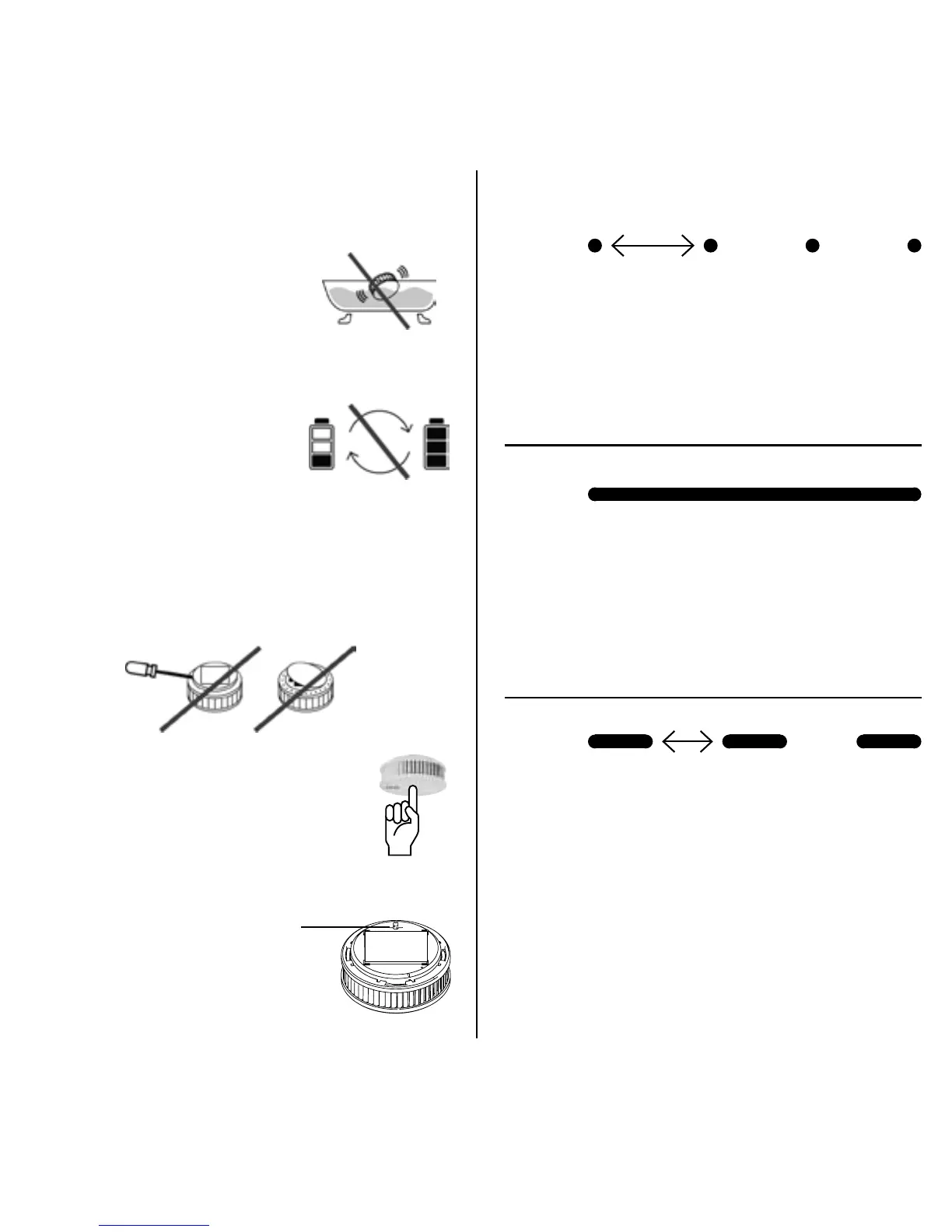
Damage to the device invalidates
the warranty and guarantee
Do not immerse the
unit in water.
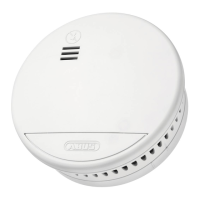
No battery replacement
is possible (see
“General Safety
Information”).
This is a sealed system; only the
cover can be changed.
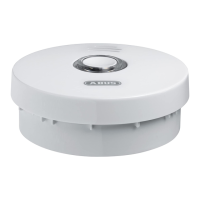
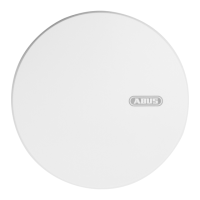
Press cover to silence
the signal.
Pull out red activation
button to switch
LED SIGNALS
LED:
Signal: short yellow pulse
Meaning: Testing in progress,
please wait!
LED:
Signal: yellow steady signal
Meaning: During start-up when
radio button is pressed
LED:
Signal: long yellow intervals
(slow)
Meaning: Networking mode
(for approx. 10 minutes)
1 second
3 seconds
1 second


 To Next Page