– 42 –
On the master already set up:
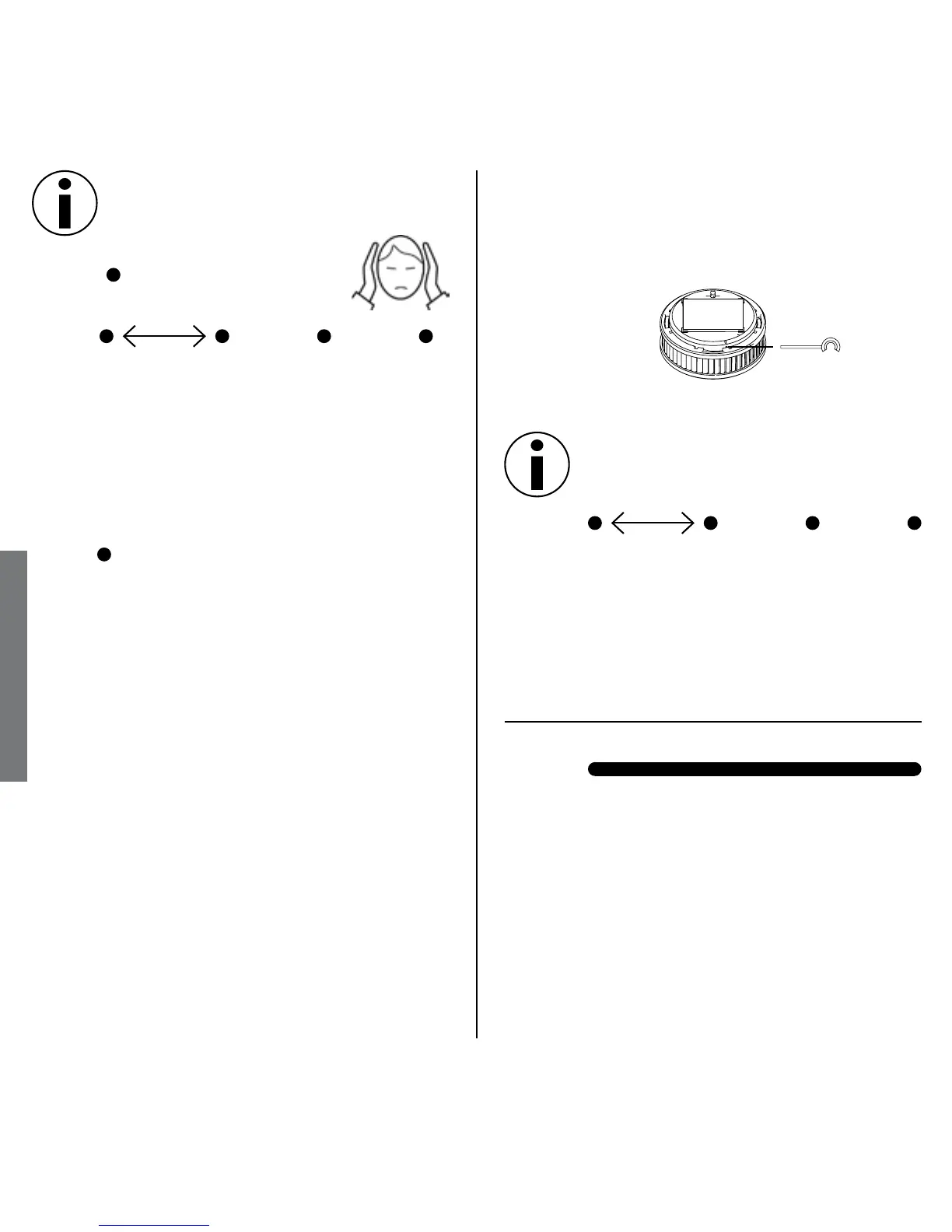
1. Press black activation pin into marked
opening and hold until LED lights
yellow
2. Pull back activation pin, then:
LED
Signal: short yellow pulse (lights
Meaning: Testing in progress,
please wait!
LED
Signal: green steady signal
Meaning: Master function is now on
Beep 1 x
LED
Signal: short yellow pulse (lights
Meaning: Testing in progress,
please wait!
LED 1 x red
Meaning: No other RISA yet found as
started up. Once the red
LED goes out, continue as
follows to network other
units to this RISA:
Network setup
Setting up other RISAs; Connection
Mode and creating a Radio Group
• When setting up the network always
ensure to link each additional alarm
to the master.
• Set up each additional RISA in a posi-
1 second
1 second
3 seconds
Seting up Network setup


 To Next Page