– 45 –
Repeat Connection Attempts
First, deactivate the unit completely:
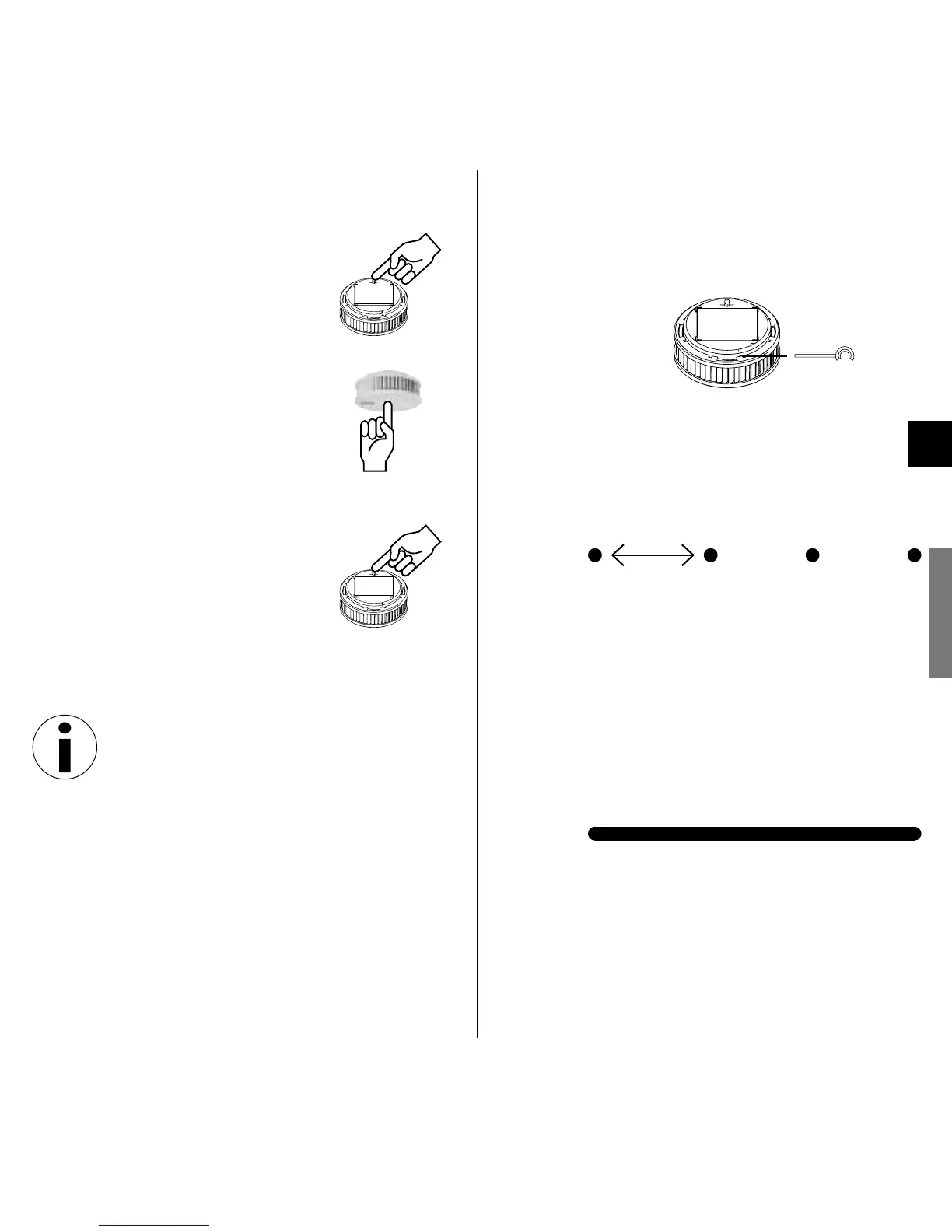
1. Pull out red activation
button
2. Press and hold Test/Stop
button 2 – 3 seconds
3. Pull out red activation button;
radio setup re-starts.
Extending the Existing Radio Group/
Re-entering Connection Mode
Once 10 minutes have passed during
setup of the radio group in which some
alarms are still in connection mode,
these devices must be put into connec-
tion mode again if still further devices
are to be added to the radio group:
1. Press black activation pin into marked
opening and hold until LED lights
yellow; continue to hold until LED
blinks yellow.
2. Pull activation pin back, then, for
all alarms added to the radio
group thus far:
LED
Signal: short yellow pulse
Meaning: Connection mode is acti-
vated on all RISAs of this
radio group
Aer 5–15 seconds:
LED
Signal: green steady signal
Meaning: Connection mode is acti-
vated on all RISAs of this
radio group
1 second


 To Next Page