10
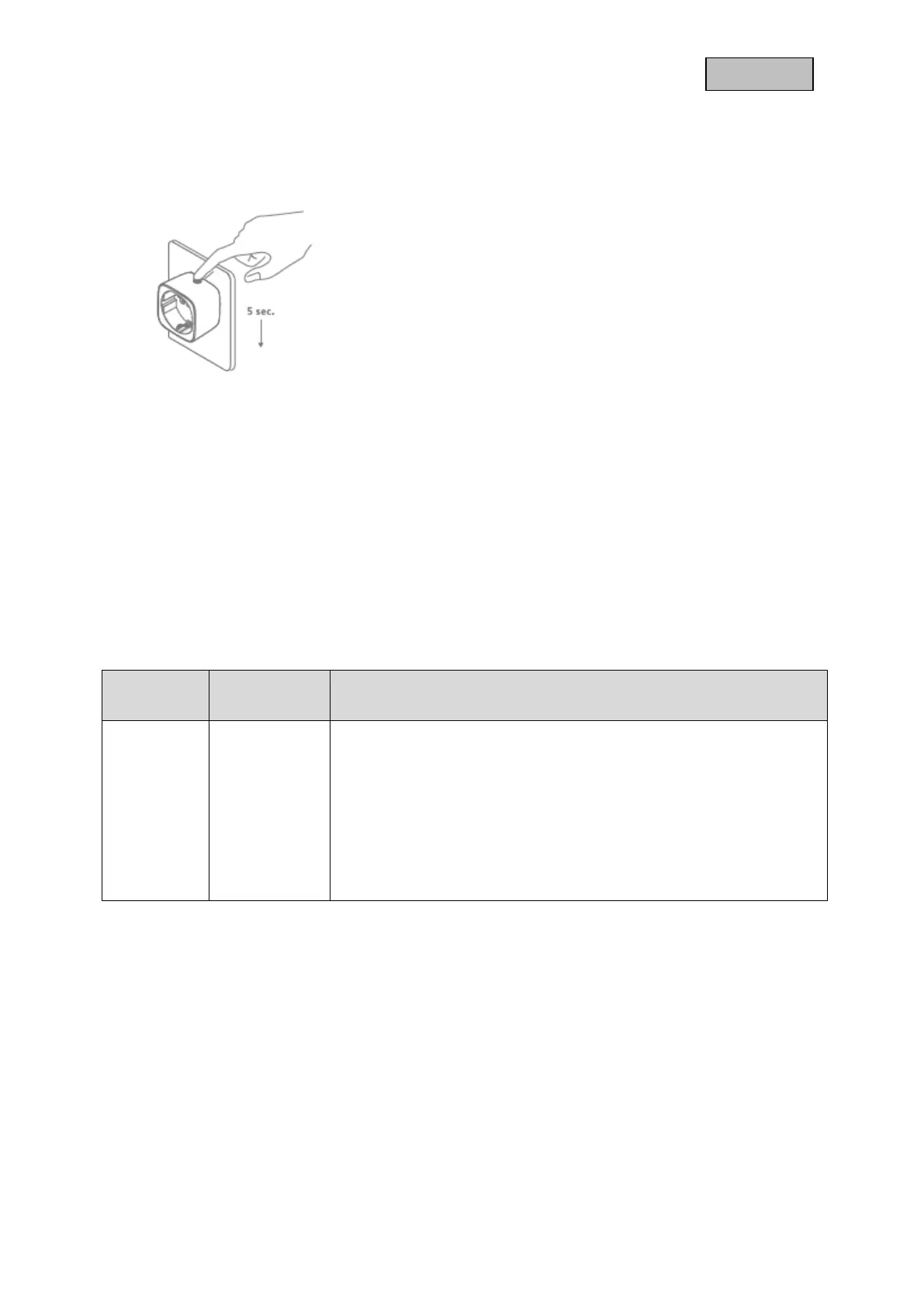
2.4. Reset (Factory-Reset)
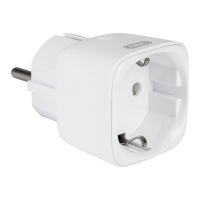
Keep pressing the Button on the socket for more than
5 seconds (the flash interval of the Status LED is now
accelerated)
The wireless socket is now restored to factory settings
Note:
This procedure should only be used if the primary
gateway is not capable of acting.
If the device is set to the factory setting, the status is
set to "not included", the association settings and
possible configurations are reset to default.
3. Advanced Z-Wave Parameter
3.1. Association Group Information
Z-Wave devices can control other devices directly. This direct control is called in Z-Wave association.
For this purpose, the device ID of the device to be controlled must be stored in the controlling devices.
This is done in so-called association groups. An association group is always linked to an event in the
controlling device (pressing a key or triggering a sensor). When this event occurs, a control command
- usually a BASIC SET - is sent to all devices stored in an association group
.
The device supports the following association group:
Group
Number
Maximum
Devices
Transmitted Content
Group 1
5
(0x05)
When the state of Smart Plug (turn on or off the load) is changed:
1. Set Configuration parameter 3 to 0 (0x00):
Do not send Basic Report
2. Set Configuration parameter 3 to 1 (0x00):
Send Basic Report
3. Set Configuration parameter 3 to 2 (0x00):
Send Basic Report only when Load condition is changed not by
Z-WAVE Command, such as short pressing.
Sending Meter Report.


 To Next Page