9
2.2. Operating
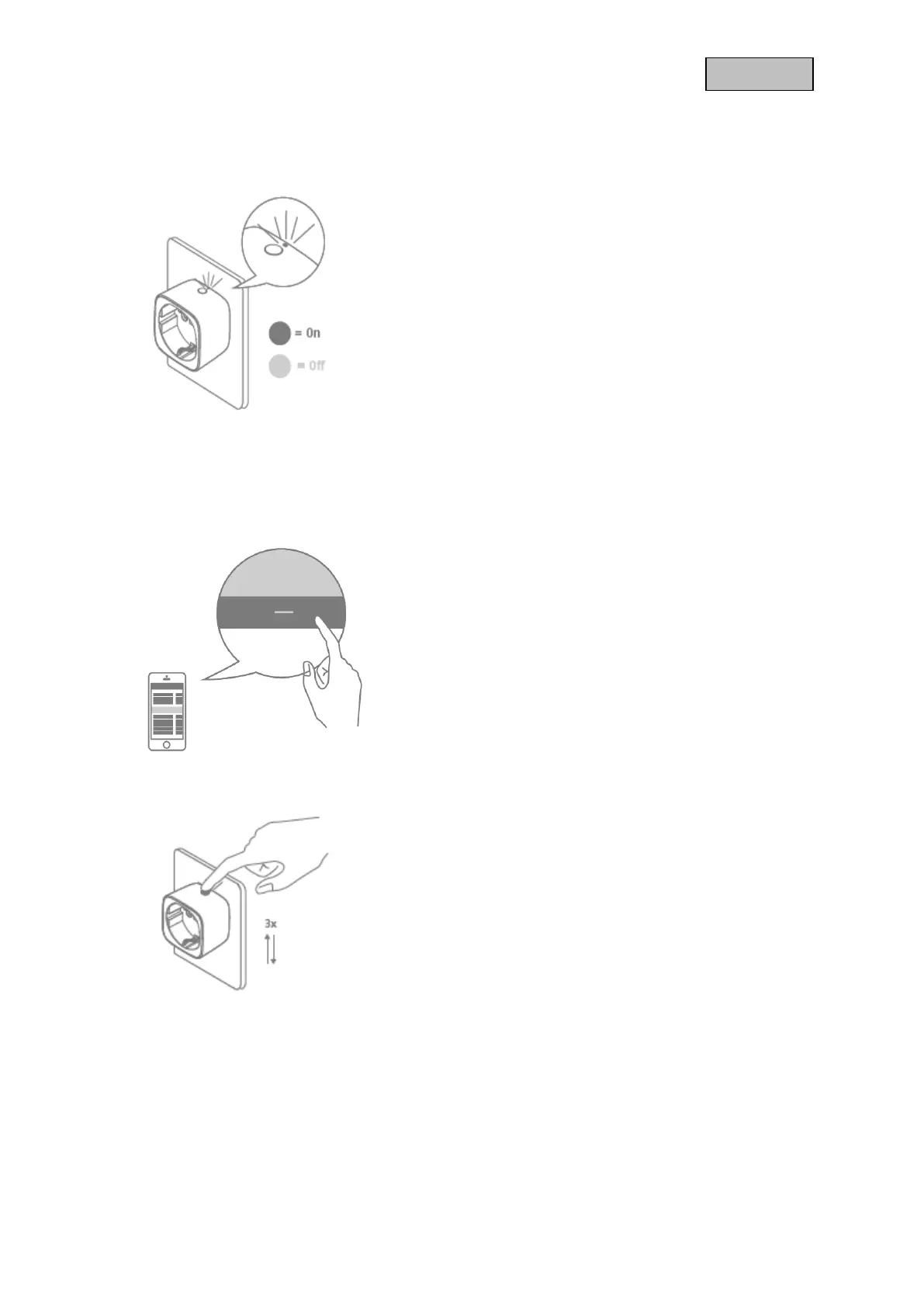
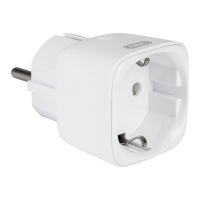
Switch the Wireless Socket either via the integrated
button or once connected to a Z-Wave Gateway via
App
Status-LED is on = Wireless Socket is switched on
Status-LED is off = Wireless Socket is switched off
Never connect wireless Sockets in series!
The Wireless-Socket must be easily accessible.
2.3. Exclusion / Remove Device
Click the - (Remove) button in your Z-Wave App and
follow the further instructions
Press the Button on the socket 3 times
The App will show if the Remove Device process was
successful.
The Status-LED will now flash continuously
Repeat the exclusion process if it was not successful.


 To Next Page