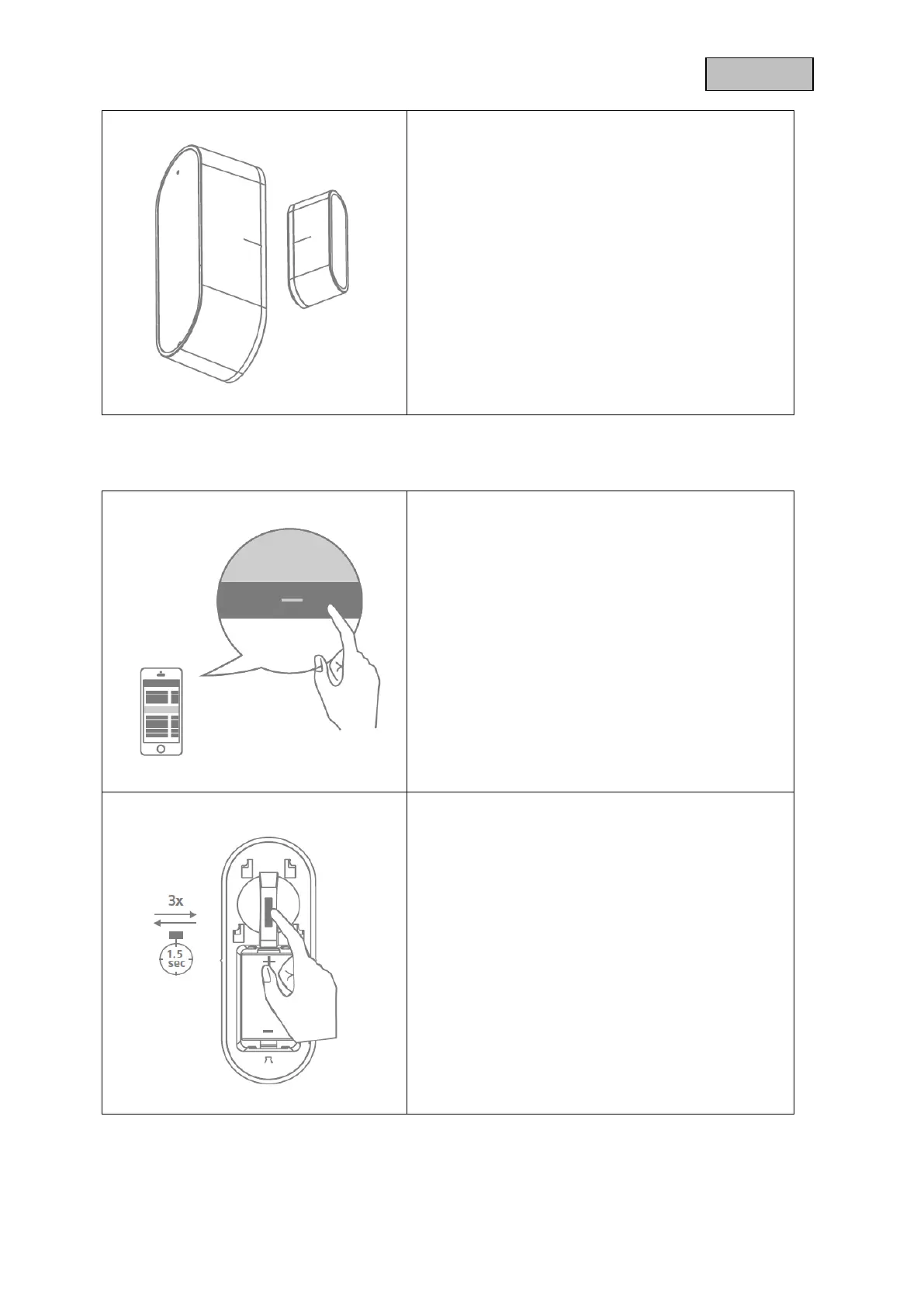
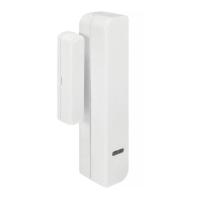
Center the magnet on the sensor (see
marking strip).
When the sensor is opened or closed, the
status LED lights up once.
4.3. Exclusion / Remove Device
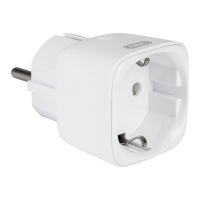
Click the - (Remove) button in your Z-Wave
App and follow the further instructions
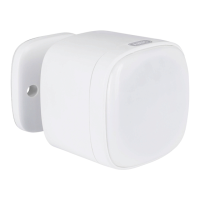
Press the Tamper-button 3 times within 1.5
seconds and the Status-LED on the base unit
front will flash 3 times
The App will show if the Remove device
process was successful and the Status-LED
on device will flash 6 times
Repeat the exclusion process from step A if it
was not successful.


 To Next Page