32
English
10. Source selection
To select the input signal, press the source button.
The selected input will be displayed on the upper right of the screen.
You can choose between BNC1, BNC2, VGA and S-Video.
To set the volume of the monitor, press the ◄ and ► buttons in normal operation and set the value that
you want with these buttons.
11. On-Screen-Menu
To call up the on-screen display, please press the “Menu” button.
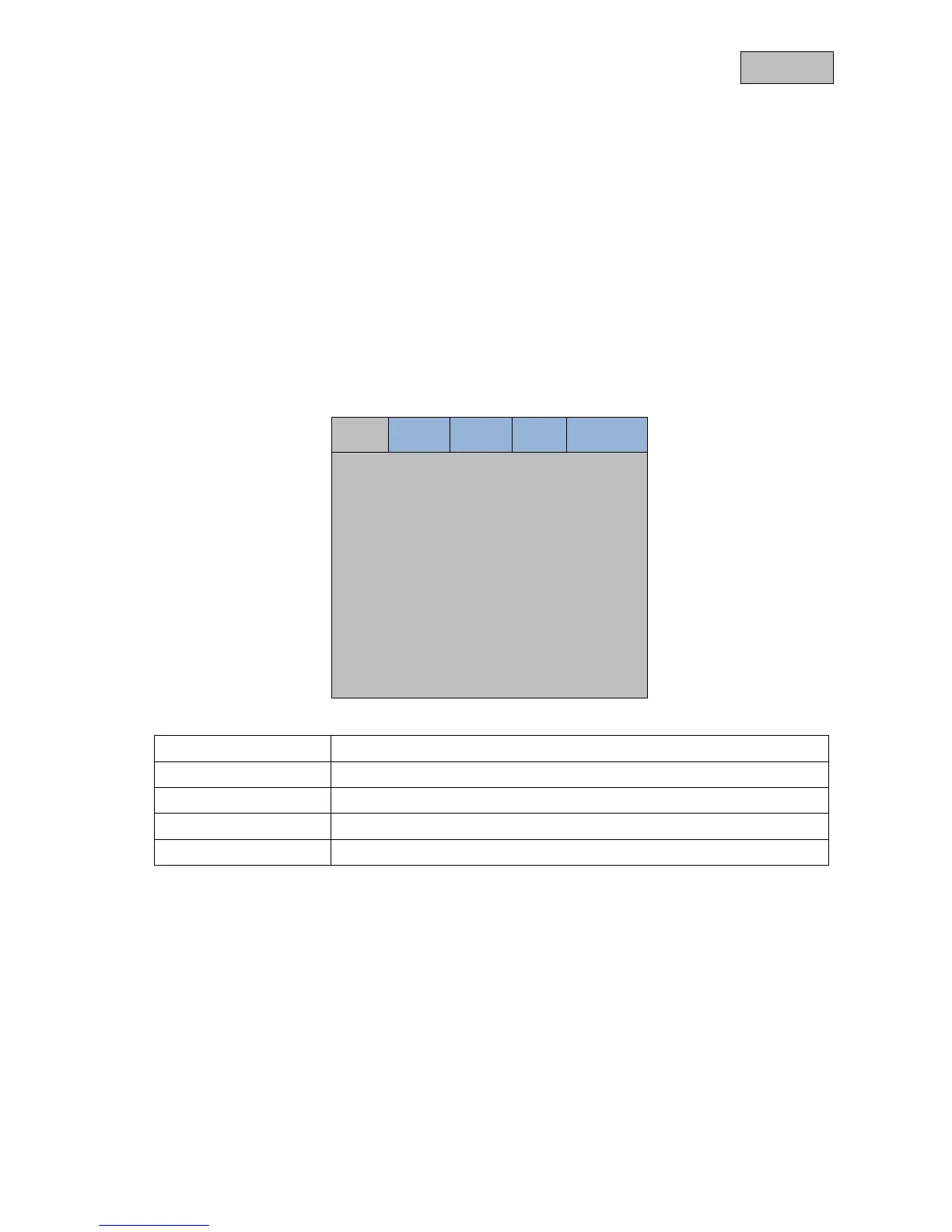
To adjust the settings, you have the following screen menus at your disposal.
Image PIP Setup VGA Language
Brightness < 50 >
Contrast < 50 >
Color Temp. < 9300 >
Saturation < 50 >
Hue < 50 >
Zoom Mode < Fullscan >
Sharpness < 5 >
CCD Mode < OFF >
Image
Settings for the picture display
PIP
Settings for the picture-in-picture function
Setup
Basic settings for the monitor
VGA
VGA mode settings
Language
Language selection



 To Next Page